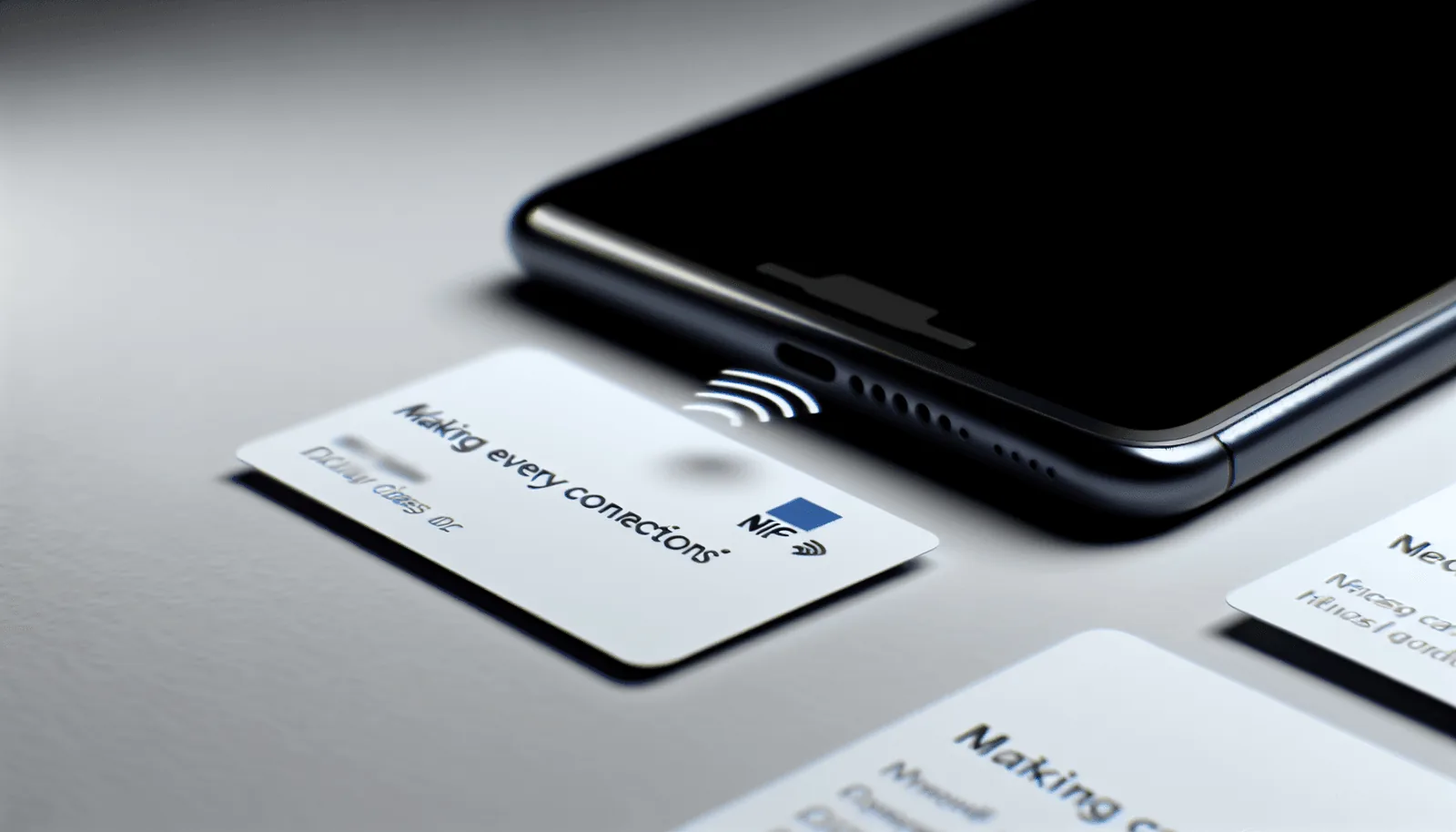

A digital business card is an online contact profile that can be shared through a link, QR code or, when paired with a physical card, NFC. Instead of limiting your details to a printed card, you can keep your phone number, email address, website, social profiles and other useful information in one profile that can be updated later.
Creating a digital business card with Lets Connect is straightforward. Start by setting up your profile, choose the contact actions you want people to take, match the design to your brand and then decide how you want to share it. You can use a digital-only profile, a QR code, or add a physical NFC business card for face-to-face networking.
If you want to start immediately, explore the Lets Connect digital business card.
What Do You Need to Create a Digital Business Card?
You do not need coding or advanced design skills to create a digital business card. It helps, however, to prepare your essential information first so the profile stays focused and easy to scan.
- Your name and job title
- Company name or personal brand
- Profile photo or company logo
- Phone number and email address
- Website
- Relevant social profiles such as LinkedIn
- One clear primary action, such as saving your contact, booking a meeting or visiting your website
- Optional supporting content such as a portfolio, documents, products or testimonials
One of the most common mistakes is adding too much. A good digital business card should not try to replace your entire website. It should quickly tell a new contact who you are, what you do and what they should do next.
Step 1: Choose the Right Type of Digital Business Card
Before you design the profile, decide how you are most likely to use it. There are three practical formats.
Digital-only business card
A digital-only card is an online profile shared through a direct link, message, email signature or QR code. It works well for remote professionals, online meetings and situations where a physical card is not required.
Digital business card with QR code
A QR code can be displayed on a screen, printed card, flyer, stand or other marketing material. The recipient scans it with their smartphone camera and opens the linked profile in the browser.
Digital business card with NFC
For in-person networking, you can connect your profile to a physical NFC card. A compatible smartphone is held near the card to open the digital profile. Lets Connect physical cards can also include a QR code as an additional sharing option.
For events, sales meetings and networking, the combination of a digital profile, NFC and QR code gives you more than one way to share the same information.
Step 2: Build a Clear Digital Profile
The profile is the most important part of your digital business card. It should work like a compact landing page: easy to understand, mobile-friendly and focused on the next action you want the visitor to take.
Start with your name, photo and role
Place your name, job title and a professional photo or company logo near the top. Someone who has just met you should immediately recognise who the profile belongs to.
Choose one primary call to action
Decide what matters most after someone opens your card. A consultant may prioritise "Book a call", a salesperson may prefer "Save contact", a designer may use "View portfolio", and a recruiter may emphasise "Connect on LinkedIn".
Avoid presenting too many actions as equally important. If every button looks like the main action, the visitor may not know what to do next.
Step 3: Add Contact Details and Relevant Links
Add the information people are most likely to need after meeting you. A digital card gives you more space than a paper card, but the profile should still stay organised.
Common details include:
- Phone number
- Email address
- Company website
- Instagram or other relevant social channels
- Portfolio or product page
- Meeting booking link
Depending on your Lets Connect plan, you may also be able to use additional sections and business tools such as documents, products, testimonials, galleries, enquiries, bookings, forms, lead capture, analytics and CRM features.
The goal is not to enable every feature. Choose the sections that support the way you actually network, sell or communicate with customers.
Step 4: Match the Design to Your Brand
Your digital business card should feel like part of the same brand as your website, LinkedIn presence, proposals and other customer-facing materials. Use consistent colours, logos, imagery and messaging.
Lets Connect offers multiple profile templates and customisation options. Choose a layout that suits your profession and keep the design clear on a mobile screen.
Practical design rules
- Use a clear, high-quality profile photo or logo.
- Keep text blocks short.
- Use a strong visual hierarchy.
- Make the main action easy to identify.
- Use brand colours consistently instead of adding too many different colours.
- Check the final profile on a smartphone.
Step 5: Set Up Link, QR Code or NFC Sharing
Once your profile is ready, choose how people will reach it. One of the advantages of a digital business card is that the same profile can be shared in several ways.
| Sharing Method | Best For | What the Recipient Does |
|---|---|---|
| Direct link | Email, messaging and online meetings | Opens the link |
| QR code | Print, displays, events and presentations | Scans with the smartphone camera |
| NFC card | Face-to-face meetings and networking | Taps or holds the phone near the card |
A recipient does not need the Lets Connect app to open a Lets Connect profile. The profile opens in the mobile browser. With a physical NFC card, the QR code gives the user another way to access the same profile.
Step 6: Choose a Physical Card Material if You Need NFC
A digital business card does not require a physical card. However, if you regularly attend meetings, events or conferences, an NFC card can combine a physical brand touchpoint with your digital profile.
Lets Connect offers physical card options including:
| Material | Impression | Typical Use |
|---|---|---|
| PVC | Practical and familiar | Daily use, sales and events |
| Metal | Premium and distinctive | Executives, consultants and premium brands |
| Wood | Natural and memorable | Design-led, hospitality and nature-focused brands |
The physical card does not need to carry every contact detail. Your logo, name, role and a short "Tap or scan" instruction may be enough, while changeable information stays inside the digital profile.
Step 7: Test Your Digital Business Card Before Sharing It
Test the complete journey before using your card at an event or customer meeting. Do not only check whether the profile opens; make sure the actions inside the profile work as expected.
- Open the profile using the direct link.
- Scan the QR code with a smartphone.
- If you use an NFC card, test the tap on an NFC-enabled device.
- Check your phone number, email address, website and social links.
- Test contact saving, forms or booking actions if you use them.
- Make sure the profile is easy to read on a small screen.
If you regularly meet both iPhone and Android users, testing on both device types is useful.
Step 8: Update and Improve the Profile Over Time
Unlike a traditional printed card, a digital business card can continue to change after you start sharing it. If your role, phone number, website or preferred contact method changes, you can update the profile instead of rebuilding the entire card experience.
Depending on the selected Lets Connect plan, analytics can help you understand how visitors interact with the profile, such as profile views, link clicks or other tracked actions.
Use this information to improve the profile. If an important booking or enquiry button is rarely used, consider moving it higher or making the wording clearer. A digital business card should be treated as an updatable contact and conversion point rather than a one-time static file.
Can You Create a Digital Business Card for Free?
You can start with a digital profile without immediately buying a physical NFC card. A digital-only profile can be useful for online meetings, email signatures, messaging and social networking.
If you later need a physical networking tool, you can pair the profile with an NFC card. This allows you to keep the same digital information while adding a tap-to-share option for face-to-face meetings.
Lets Connect provides a digital profile that can be started for free, with additional functionality and physical products available depending on your requirements. Always check the current product page for the latest plan features, pricing and availability.
Digital Business Card vs Traditional Paper Business Card
| Feature | Paper Business Card | Digital Business Card |
|---|---|---|
| Contact details | Fixed after printing | Can be updated online |
| Website and social profiles | Printed as text or URLs | Directly clickable |
| Sharing | Physical handover | Link, QR code and optional NFC |
| Additional content | Very limited | Can include more sections depending on the platform and plan |
| Updates | Usually requires reprinting | Profile can be edited |
| App required for recipient | No | No for Lets Connect profiles |
How to Create Digital Business Cards for a Team
When several employees use digital business cards, consistency becomes more important than simply creating individual profiles. Logo use, colours, core company links and profile structure should follow the same brand rules, while each employee keeps their own name, job title and contact details.
Lets Connect also supports team and business use cases. Depending on the selected solution, profiles can be organised alongside lead capture, CRM, booking, analytics or other management functionality.
Before rolling out cards across a team, decide which fields are mandatory, which links should remain standard and which parts employees are allowed to personalise.
7 Common Mistakes When Creating a Digital Business Card
- Adding too much information: The profile becomes a second website instead of a focused contact page.
- No primary call to action: The visitor does not know whether to call, save, book or visit another page.
- Inconsistent branding: The physical card, digital profile and website look like different businesses.
- Too many social links: Channels are added even when they do not help the professional relationship.
- Not testing before an event: QR, NFC or important links may not work as expected.
- Leaving information outdated: The ability to edit the profile is not being used.
- Focusing only on the physical card: A premium NFC card will not help much if the digital profile is confusing.
Digital Business Card Checklist
- Your name and role are immediately visible.
- Your profile photo or logo is clear and current.
- One primary call to action is easy to identify.
- Phone, email and website links work correctly.
- Only relevant social profiles are included.
- Branding matches your wider business identity.
- The QR code has been tested on a smartphone.
- NFC has been tested if you use a physical NFC card.
- The profile is easy to read on mobile.
- Your information can be updated later.
Frequently Asked Questions
Start by creating an online contact profile with your name, role, company, contact information and the links you want to share. Customise the design to match your brand, then share the profile using a direct link or QR code. If you want a physical networking option, connect the profile to an NFC business card.
Lets Connect offers a digital profile that can be started for free. Additional functionality and physical NFC cards are available depending on what you need. Check the current product page for the latest plan details.
No. Lets Connect profiles open in the recipient's browser, so they do not need to install a Lets Connect app to access the contact information and links you choose to share.
Yes. The digital profile can be updated after it has been created. This means you can change details such as your role, phone number, website or social links without rebuilding the entire profile.
The digital business card is the online profile. An NFC business card is a physical card containing an NFC chip that provides one way to open that profile. The same digital profile can also be shared by link or QR code.
Modern NFC-enabled iPhones and Android smartphones can open NFC links. A QR code also provides an alternative way to open the digital profile using the smartphone camera.
At minimum, include your name, role, company and preferred contact methods. Add only the links and supporting content that help the recipient take the next step, such as your website, LinkedIn, portfolio, booking link or relevant documents.
Yes. Digital business cards can be used across teams. A consistent brand and profile structure should be maintained while individual employees keep their own names, roles and contact information.
Create Your Digital Business Card
A strong digital business card does not need to be complicated. Start with a clear profile, one important next action and consistent branding. Share it through a direct link or QR code, then add an NFC card if face-to-face networking is important to you.
The main advantage is flexibility: the content can be updated while the same profile link or connected NFC card continues to work.