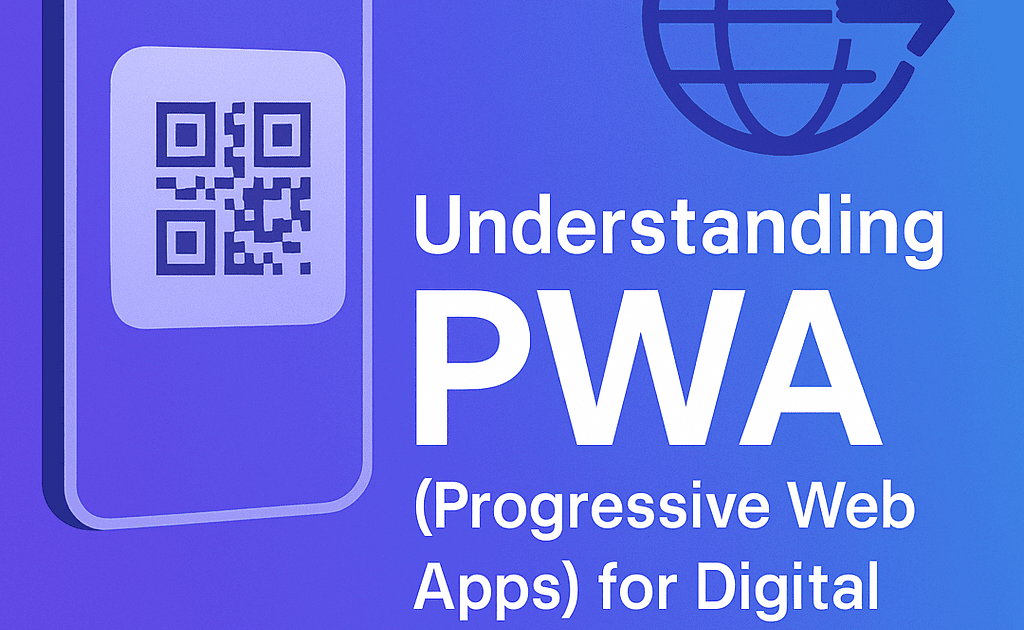
Progressive Web Apps (PWAs) make digital business cards behave like native apps—offering instant access, offline usability, home screen installation, and faster performance without downloads. Let’s Connect uses PWA technology to give your networking profile an app-like experience that boosts engagement, shareability, and brand presence.
Introduction
Digital business cards are no longer just static links—they’re becoming fast, interactive, and app-like. The secret behind this upgrade is Progressive Web App technology.
With Let’s Connect smart business cards, your profile opens instantly, works across all devices, and can be saved to a phone’s home screen—without the hassle of app store downloads.
TL;DR: A PWA turns your digital card into a lightning-fast, mobile-optimized micro app.
1. What Is a Progressive Web App (PWA)?
A PWA is a modern web application that:
-
Runs in a browser but feels like a mobile app
-
Loads instantly—even on slow networks
-
Can be installed directly on a device’s home screen
-
Works offline or in low connectivity environments
Related read: Must-Have Digital Business Card Landing Page Elements
TL;DR: It’s the best of web and mobile combined.
2. Why PWAs Matter for Digital Business Cards
In networking, speed and accessibility are everything. With PWAs, your card:
-
Opens without redirects or app store downloads
-
Works seamlessly on any device
-
Stays available as a home screen icon
TL;DR: Instant access = higher engagement.
3. PWA Benefits for Let’s Connect Users
Every Let’s Connect smart card is PWA-enabled, delivering:
-
Lightning-fast tap-to-load profiles
-
“Add to Home Screen” prompts for visitors
-
Full cross-device and cross-browser compatibility
TL;DR: One tap, one icon, endless connections.
4. Offline Access & Fail-Proof Sharing
Even without internet:
-
Your card still opens if it’s cached
-
Key details like contact info remain accessible
-
Perfect for events, travel, or busy networking venues
TL;DR: Stay shareable—even without WiFi.
5. Custom Branding & Installable Profiles
Your PWA-enabled profile supports:
-
Custom icons for the home screen
-
Branded splash screens in your company colors
-
A mobile-first UI that feels like a dedicated app
Related read: How to Customize Your NFC Business Card for Personal Branding
TL;DR: App-style professionalism—without the cost.
FAQs
What is a PWA?
A web app that behaves like a mobile app—with instant load, offline use, and installable icons.
Do I need to install anything?
No. PWAs install directly from your browser—no app store needed.
Do PWAs work offline?
Yes. Cached versions allow offline access to key details.
Can my card be saved as an app?
Yes. Visitors can add it to their home screen with one tap.
Final Thoughts
A PWA transforms your digital business card into a high-performance, app-like networking tool—without extra costs, downloads, or delays.
👉 Explore PWA-Enabled Cards and give your connections an instant, branded experience.