Best Business Card Design for Photographers: 5 Picks
Compare business card design for photographers, including NFC profiles, custom layouts, portfolio links, booking tools, and print-ready design tips.
Your card should make it easy to see your work and book you, even after a quick introduction. For photographers, the strongest designs pair a clear visual style with a direct path to a portfolio or booking page. Here are five options, led by [LetsConnect](<https://letsconnectcard.com>), plus print details to check before you order.
Table of Contents
* LetsConnect * Blinq — Custom printed cards with NFC and QR backup * Wave Connect — Customizable digital cards for creative workflows * HiHello — Template-led digital card design * CardPrintz — Dual-zone NFC paper cards * Photographer business card options compared * FAQ: Business Card Design for Photographers * Conclusion
1\. LetsConnect
LetsConnect is a digital and NFC business card for sharing contact details, social profiles, portfolio links, booking pages, and lead-capture forms with one tap. NFC means [near-field communication](<https://opsmatters.com/posts/7-best-nfc-business-cards-professionals-and-modern-teams>), a short-range wireless feature that lets a phone open a linked profile when it taps the card. No app is required for the person receiving your details.
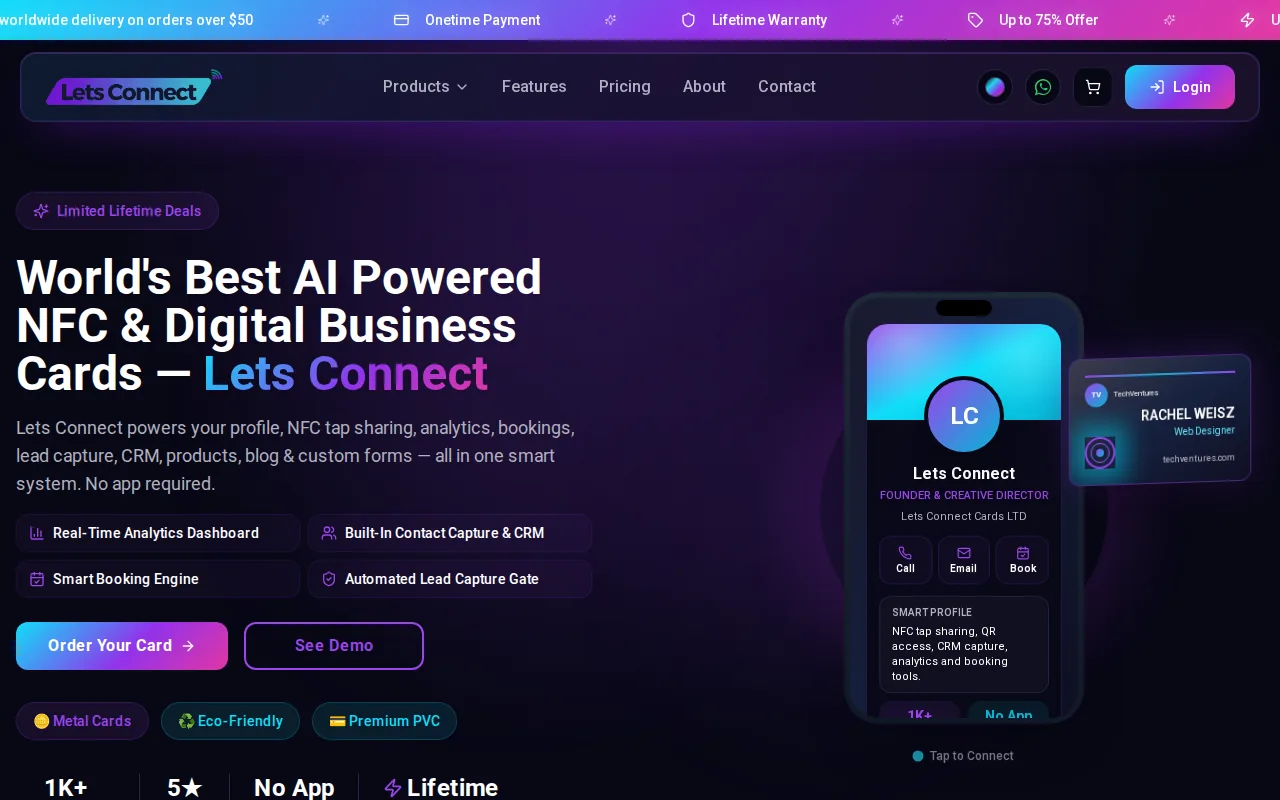
This is our first pick for photographers who want their card to do more than show a logo. A wedding photographer can send a new contact straight to a gallery and booking link. A portrait photographer can change the featured portfolio link when a new campaign is ready, without printing a fresh batch of cards.
Design flexibility matters here. The Premium NFC Digital Business Card has more than 30 layouts and over 40 professionally designed options, plus color customization and a drag-and-drop builder. That gives you room to match your card to the look of your portfolio, whether your work uses bright color or a spare, minimal style. LetsConnect also supports real-time tracking of taps, clicks, profile views, contact saves, and geographic source data.
For a photographer, those signals can help answer a useful question: did people open the gallery after meeting you? Booking integration and lead capture can keep the next step close to the work. See the [photographer NFC business card](<https://letsconnectcard.com/product/photographer-business-card>) for a layout made for visual artists.
LetsConnect describes its cards and profile tools on its [official website](<https://letsconnectcard.com>). Choose this option when you want one tap to connect your visual brand with a portfolio and a clear booking path. If you mainly want a physical keepsake, you may still prefer a printed card.
2\. Blinq — Custom printed cards with NFC and QR backup
Blinq pairs a digital business card with optional printed NFC cards and QR sharing. It suits photographers who want a physical card in hand but also want a digital profile that can be shared by scan or link. The QR code gives people another way to open the profile if a tap isn’t convenient.
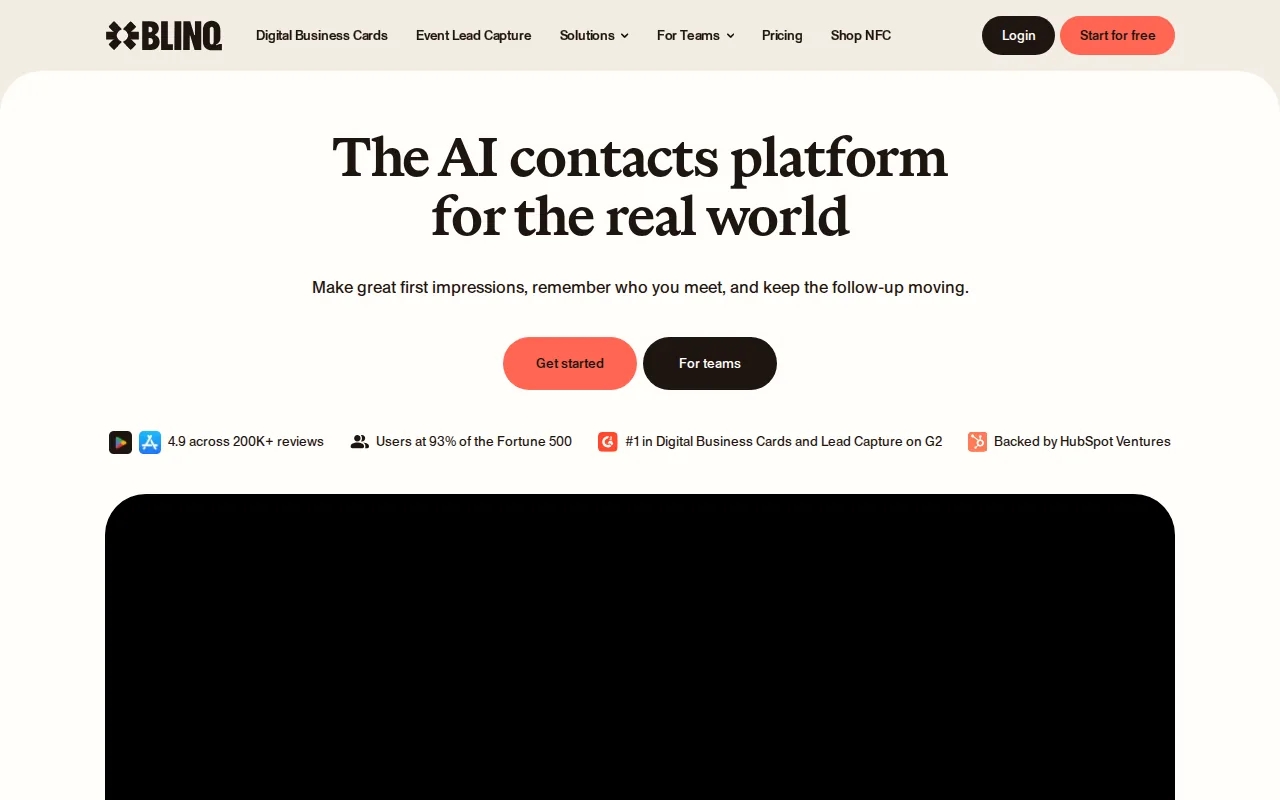
For a custom printed card, Blinq supports full-color logo customization. The NFC cards are battery-free, so they don’t need charging as you move between shoots or client meetings.
One trade-off: its standout options are tied to card material and printed design. If your visual identity changes often, check how easily you can update the profile and whether the physical card still matches it. Blinq is a sensible fit when the printed card itself is part of your presentation.
3\. Wave Connect — Customizable digital cards for creative workflows
Wave Connect is a digital card option for photographers who want to show more images in a shareable profile.
Wave also lists CRM links, including Salesforce and HubSpot, along with other integrations. A CRM is a system for keeping track of contacts and follow-ups. For a photographer, a form could gather a new client inquiry before it gets lost in a crowded inbox. The team dashboard and bulk import are more useful when several people share a studio workflow.
The digital profile is the more flexible part of the offer. Wave Connect also lists QR backup and battery-free NFC sharing, so a client can open the profile by scan if tapping isn’t a good fit.
For business card design for photographers, the main question is how much visual control you need. Wave Connect’s unlimited image uploads can help you show a broader set of work. It’s a fit to weigh when image display and inquiry forms lead your workflow.
4\. HiHello — Template-led digital card design
HiHello is a digital business card choice for photographers who want a template-led starting point. Research on its design describes templates and broad design customization. That can help you build a card around your name, studio style, and main portfolio link without beginning with an empty canvas.
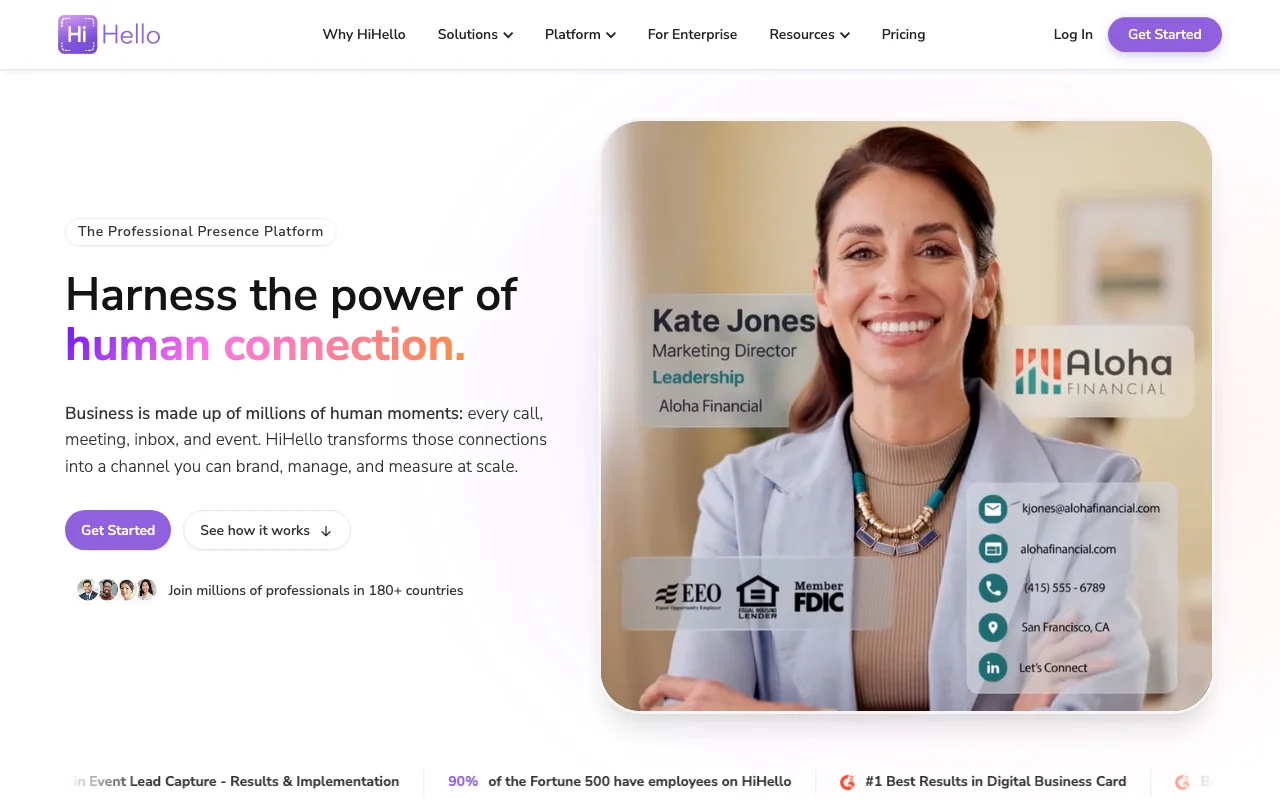
That tracking is useful only if the profile links match your real goals. A photographer might send one audience to a wedding gallery and another to a portrait booking page. Keep the first screen focused, then place secondary social links lower down so visitors aren’t left choosing between too many paths.
It doesn’t establish physical card materials or the booking and lead-capture features offered by LetsConnect. HiHello makes the most sense when a digital layout and source tracking matter more than a custom physical card.
5\. CardPrintz — Dual-zone NFC paper cards
CardPrintz makes a paper NFC card with two separate tap zones. It suits photographers who like the feel of paper but want different actions built into one card. According to the product details, tapping one zone opens contact details, while the other can open a website or booking link.
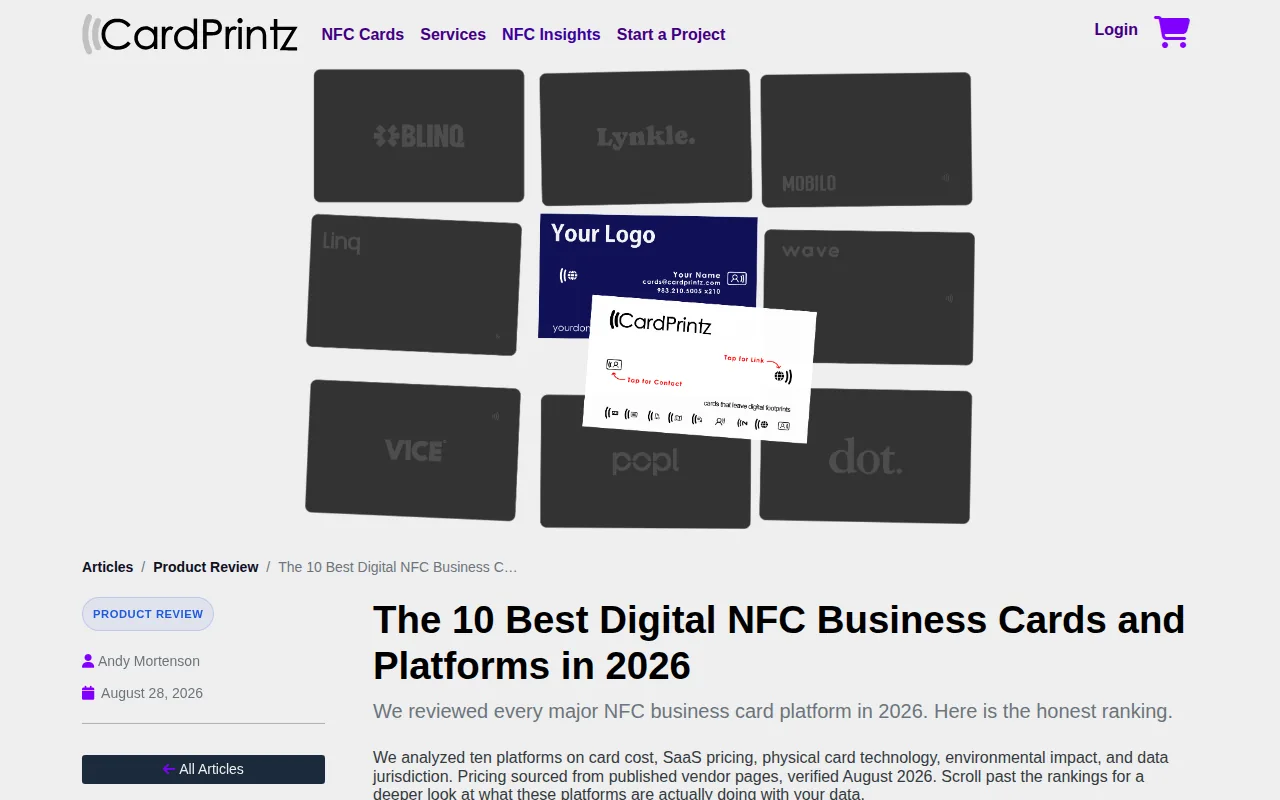
The two-zone layout creates a clear choice for the person holding the card. One tap can save your contact details. The other can take a potential client to a portfolio or booking page. CardPrintz says its dual-zone card uses premium biodegradable paper stock and works with Android and iPhone without an app.
This setup may work well at a print show or studio visit, where someone wants to keep your details and see your work. It’s also a physical card, so the design still needs to guide the eye toward the correct tap area. Keep the two actions distinct and use a short label or visual cue for each.
If you’re designing a separate printed backup, Canva’s photography business card templates can provide a starting point for the layout. CardPrintz is the most specific option here for paper with two built-in NFC actions. The available details don’t establish the same analytics depth as LetsConnect, so compare the digital follow-up you need before choosing.
Photographer business card options compared
These options suit different ways of meeting clients. The table focuses on the job each can do, not on an unsupported price or feature score.
Option| Best fit| Design or sharing strength| Check before choosing ---|---|---|--- LetsConnect| Portfolio sharing plus booking and lead follow-up| Many layouts, color customization, tap analytics, and booking integration| Pick one primary action for the profile’s first screen Blinq| Printed card with digital sharing backup| Full-color custom printing, NFC, and QR sharing| Confirm which physical material fits your brand Wave Connect| Image-rich profiles and inquiry forms| Unlimited image uploads, CRM links, and QR backup| Confirm whether its metal card suits your style HiHello| Template-led digital profile design| Design templates and UTM-based source tracking| Verify plan details and available sharing methods CardPrintz| Paper card with two NFC actions| Separate tap zones for contact details and a web or booking link| Plan clear labels so each tap zone is easy to use For a traditional print design, begin with the printer’s file requirements. A common US business card canvas is 3.5 by 2 inches, with 300 dpi resolution and CMYK color for print. Printers can set different bleed needs, so use their template rather than guessing. Extend background colors or full-bleed photos beyond the trim edge, then keep all text inside the safe area.
Build the design around one visual lead. Use your logo or a camera-related mark, align it with the name, and choose a clean font that stays readable at small sizes. Make your name the clearest text, then add your role and the contact path you want clients to use. Email, website, social handles, and a phone number can all fit, but include only details you want clients to use and keep them within the safe area.
**Pro Tip:** Use the back for a QR code to your portfolio or booking page. Scan it from a printed proof before ordering, and check that the destination opens on a phone.
A subtle photo can show your style, but lower its opacity behind text or reserve it for one side. Leave white space so the card doesn’t feel crowded and someone can jot a note on it. A second side can hold a small portfolio image or a clear call to action. Linen paper, foil, spot UV, thick stock, rounded corners, and die-cut shapes can add texture, but the design still needs to read at a glance.
Export a print-ready PDF, or a high-resolution JPEG if your printer asks for it. Save the layered PSD or editable source file for later changes. Before placing a larger order, inspect a proof or sample and read every line twice. A typo in a web address can send a client somewhere else.
FAQ: Business Card Design for Photographers
What should a photographer put on a business card?
A photographer’s business card should show their name, role, and one clear way to view work or make contact. Add an email or website, then choose only the social profiles clients use. A QR code or NFC profile can link directly to a portfolio or booking page. Keep the layout uncluttered so the next step is easy to spot.
What size should a photography business card be?
A common US print size is 3.5 by 2 inches, but confirm the printer’s template before setting up your file. For print, prepare the document at 300 dpi in CMYK when the printer requests those settings. Add bleed and safe-area guides based on the printer’s specs, since trim margins can vary by provider.
Should photographers use a QR code or an NFC card?
Both can lead people to a portfolio, but they work in different ways. A QR code is scanned with a phone camera, while NFC lets someone tap a compatible phone on the card. Some options combine NFC and QR backup. Choose a link that opens quickly and test it before sharing the card with clients.
What makes a good business card design for photographers?
A good design reflects your photo style while keeping contact details easy to read. Use a clean typeface, align your logo and name, and give the layout breathing room. A subtle portfolio image can add character, but avoid placing small text over a busy photo. Leave the viewer with one clear next action.
Conclusion
Choose LetsConnect if you want one tap to connect your visual identity with portfolio sharing, booking, and lead follow-up. Next, build a profile around your strongest gallery link, then test it on a phone before you share the card with clients.
Why Lets Connect is the best digital business card
- Free to start: a digital card with your own link and QR code, no card details needed.
- Pay once: no monthly fee for your card or your lifetime plan.
- The follow-up is built in: lead capture, a CRM, a card scanner, bookings, forms and review links in one dashboard.
- No app on either side: it opens in the browser on iPhone and Android.