A business card is often one of the first branded touchpoints someone sees after meeting you. A custom digital business card takes that first impression beyond a printed name and phone number: it gives people a live, branded profile they can open on their phone, save, revisit and use to take the next step.
In some markets, digital business cards are also described as digital name cards. Whatever term your customers use, the goal is the same: make it easy to share the right information while keeping your personal or company identity consistent.
What Is a Custom Digital Business Card?
A custom digital business card is an online professional profile designed around your brand rather than a fixed piece of paper. It can include your name, role, company, phone number, email, website, social profiles, documents, portfolio content and calls to action.
With Lets Connect, the digital profile can be shared through a link or QR code and can also be paired with an NFC business card. The recipient does not need to install an app to view the profile. Because the information lives online, you can update details without printing a new batch of cards.
If you are primarily looking for product and pricing, see our digital business cards.
Why Brand Identity Matters in Business Networking
Brand identity is more than a logo. It is the combination of visual style, messaging and experience that helps someone recognise your business and understand what it represents. When your website, LinkedIn presence, proposals, presentations and business card all look disconnected, the experience can feel inconsistent.
A branded digital business card gives you one controlled profile that can reflect the same identity customers see elsewhere. This is especially useful for founders, consultants, sales teams, property professionals, creatives, recruiters and corporate teams who regularly move between online and face-to-face conversations.
Keep the visual identity consistent
Use the same logo, brand colours, profile imagery and general visual language people already associate with your company. Lets Connect provides multiple profile templates and colour customisation, allowing the digital card to sit more naturally within an existing brand system.
Make the message consistent
Your role, company description, value proposition and call to action should tell the same story as your other customer-facing channels. A digital card is not the place to add every possible message. It should quickly answer three questions: who are you, what do you do, and what should the visitor do next?
Make the experience consistent
Brand identity also includes how easy you are to deal with. A profile that opens in the browser, presents useful information clearly and gives the visitor a simple next action can create a more professional experience than asking someone to manually type contact details from a paper card.
7 Elements of an Effective Branded Digital Business Card
1. A recognisable profile image or company logo
Use a high-quality image that matches how you appear on your website, LinkedIn profile or company materials. For a company-led card, the business logo and brand identity should remain clear without making the individual difficult to identify.
2. A clear name, role and company
Do not make visitors work out who they have just met. Keep the first screen easy to scan, with your name, job title and organisation visible immediately.
3. One primary call to action
Choose the action that matters most after a meeting. That might be saving your contact, booking a meeting, visiting your website, viewing a service, sending an enquiry or connecting on LinkedIn. Too many equal calls to action can reduce clarity.
4. Relevant social and professional links
Add the channels that strengthen your credibility or help the recipient continue the conversation. For many B2B professionals this may include LinkedIn, a company website and a portfolio. Consumer-facing businesses may also benefit from Instagram, TikTok, WhatsApp or review links.
5. Useful proof and supporting content
A digital profile can do more than store contact details. Depending on your Lets Connect plan, you can add documents, products, gallery content, testimonials and blog content. Used selectively, these elements can help a prospect understand your work without searching across several different platforms.
6. A way to capture the other person's details
Traditional cards normally create a one-way exchange: you give someone your information and hope they follow up. Lets Connect also supports lead capture and enquiry tools on eligible plans, allowing the visitor to share their details so the conversation can continue from both sides.
7. Up-to-date information
One of the strongest practical advantages of a digital business card is editability. If your phone number, title, website, campaign or portfolio changes, update the digital profile rather than throwing away outdated printed stock.
Digital Business Card vs Traditional Name Card
A paper name card is simple and familiar, but its information is fixed at the time of printing. A digital business card is designed for information that may evolve. It can provide more context, more ways to connect and a clearer path to follow-up.
| Feature | Traditional Paper Name Card | Custom Digital Business Card |
|---|---|---|
| Contact details | Printed and fixed | Editable online |
| Brand colours and design | Yes | Yes, within the digital profile |
| Website and social links | Printed URLs | Clickable links |
| Portfolio, documents or products | Very limited | Can be included in the profile |
| Updates after sharing | Requires reprinting | Profile can be updated |
| Sharing method | Physical handover | Link, QR code or compatible NFC card |
Where NFC Fits Into a Digital Business Card
NFC and a digital business card are related, but they are not the same thing. The digital business card is the online profile. NFC is one method of opening that profile.
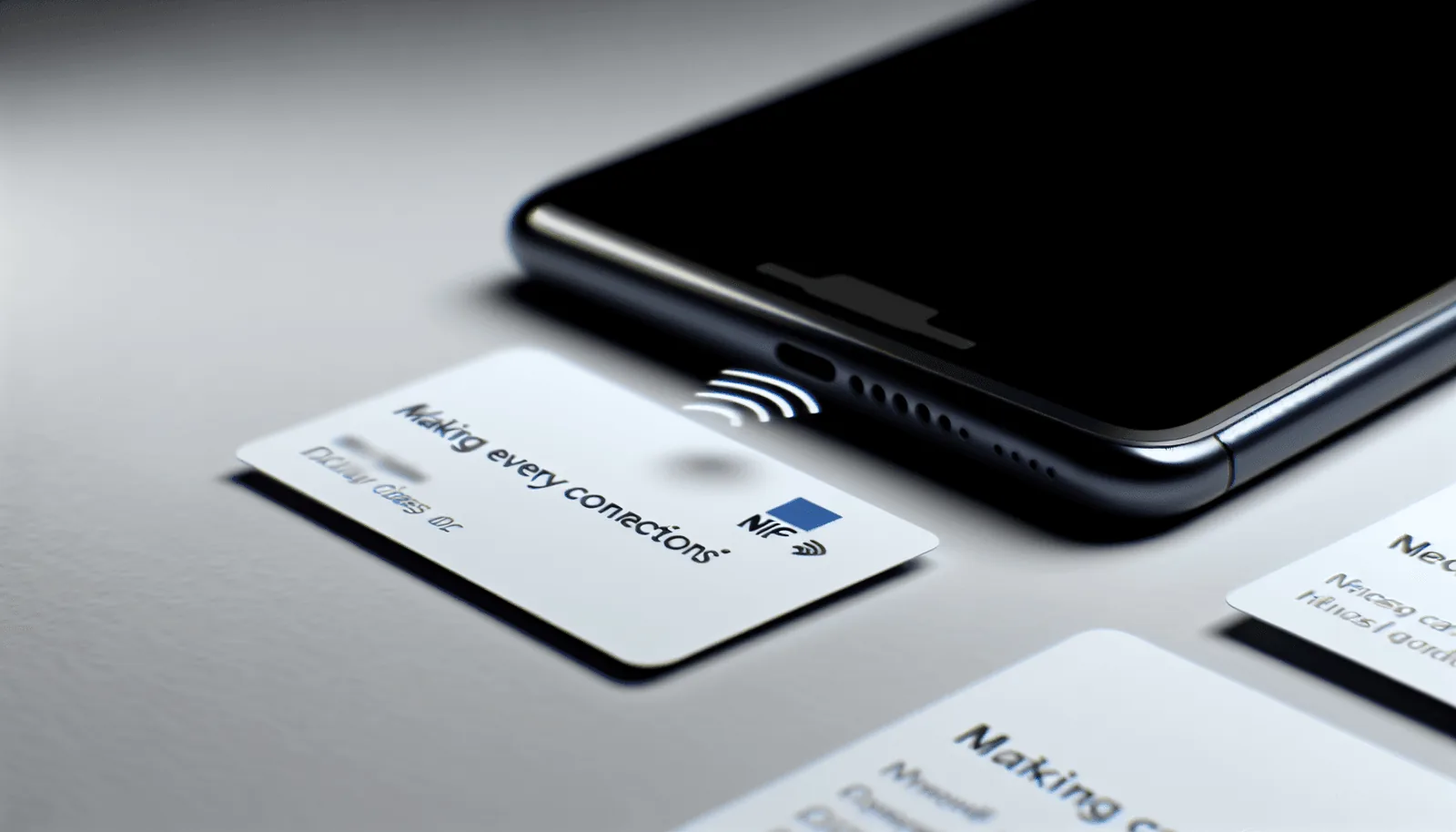
An NFC business card contains a compatible chip that can open the linked profile when tapped against an NFC-enabled smartphone. A printed QR code provides an additional scan option. This combination is useful in face-to-face networking because it keeps the familiar idea of carrying a physical card while connecting the recipient to information that can change over time.
Explore the NFC business cards range if you want a physical tap-to-share card paired with your digital profile.
Choosing a Physical Card That Matches Your Brand
PVC, metal and wood are not types of digital cards. They are physical NFC card materials that can act as the tap-to-share layer for your digital profile.
PVC
PVC works well for everyday professional use and gives brands flexibility for clean, practical designs. It is suitable when you want a familiar card format with NFC and QR sharing.
Metal
A metal NFC card creates a heavier, more premium physical impression and may suit executives, founders, luxury-facing businesses and client-facing professionals where presentation is especially important.
Wood
A wooden NFC card offers a distinct tactile appearance and can suit brands that prefer a natural or craft-led visual identity.
The material should support the brand rather than overpower it. The most important part is still the experience after the tap or scan: a clear, fast and well-designed digital profile.
How to Design a Digital Name Card for Your Brand
Start with your existing brand system
Gather your approved logo, colour values, typography guidance, profile imagery and the short description your company already uses. This prevents the card from becoming a separate design project with a different visual identity.
Design for a phone screen first
Most recipients will open the card on a smartphone. Prioritise the information they need immediately and avoid making the first screen visually crowded. A strong mobile profile should be easy to scan with one hand.
Use only the sections that serve a purpose
A feature is valuable only when it helps the visitor. A consultant might prioritise booking and LinkedIn. A designer may emphasise a gallery. A salesperson may focus on lead capture and product information. A restaurant or local business might make reviews and contact actions more prominent.
Test the complete journey
Test the profile link, QR code and NFC tap before using the card at an event or with customers. Check that contact buttons, social links, forms and booking actions open correctly on both iPhone and Android devices.
Custom Digital Business Cards for Teams
Brand consistency becomes more important when several employees represent the same company. If every team member creates their own design, uses different logos or writes their role differently, the business can look fragmented.
A shared digital-card approach lets a company establish common rules for logo usage, colours, approved links and calls to action while still giving each employee their own contact details and role. This can be useful for sales teams, recruitment teams, property companies, agencies, professional services firms and event staff.
For team-focused use cases, see our teams option.
How Lets Connect Supports a Branded Networking Experience
Lets Connect combines a digital profile with sharing and follow-up tools. The platform includes profile customisation, social links, documents, galleries, testimonials, products, analytics and multiple templates. Additional business tools are available through eligible plans, including CRM, bookings, enquiries, lead capture, forms and data export.
The objective is not to add every feature to every profile. It is to build a focused networking experience that reflects your brand and makes the next step easy for the person you have just met.
You can also view the digital business card product to compare current options.
Frequently Asked Questions
In practice, the terms often describe the same concept: an online professional profile used to share contact and business information. "Name card" is a familiar term in Singapore, while "digital business card" is commonly used internationally.
Yes. Lets Connect supports profile customisation, templates, brand colours, images and content sections. The exact features available depend on the selected plan.
No. Lets Connect profiles open in the recipient's mobile browser, so the person viewing your card does not need to install a dedicated app.
Yes. Because the profile is digital, information such as contact details, links and profile content can be updated without reprinting the digital profile itself.
No. A digital business card can be shared through a profile link or QR code. An NFC card is an additional physical sharing method for in-person networking.
Start with your name, role, company, preferred contact methods and one clear next action. Then add only the supporting content that helps the recipient understand your work, such as LinkedIn, a portfolio, products, documents, testimonials or a booking link.
Build a Digital Business Card That Looks Like Your Brand
The best custom digital business card is not the one with the most sections. It is the one that makes your identity recognisable, gives people the information they need and creates a simple path from introduction to follow-up.
If you are ready to create or upgrade your card, explore Lets Connect digital business cards and choose the digital or NFC-enabled option that fits how you network.