Best vCard QR Code Generator: 6 Tools Compared
Compare the best vCard QR code generator tools for digital cards, branding, analytics, live updates, and professional networking.
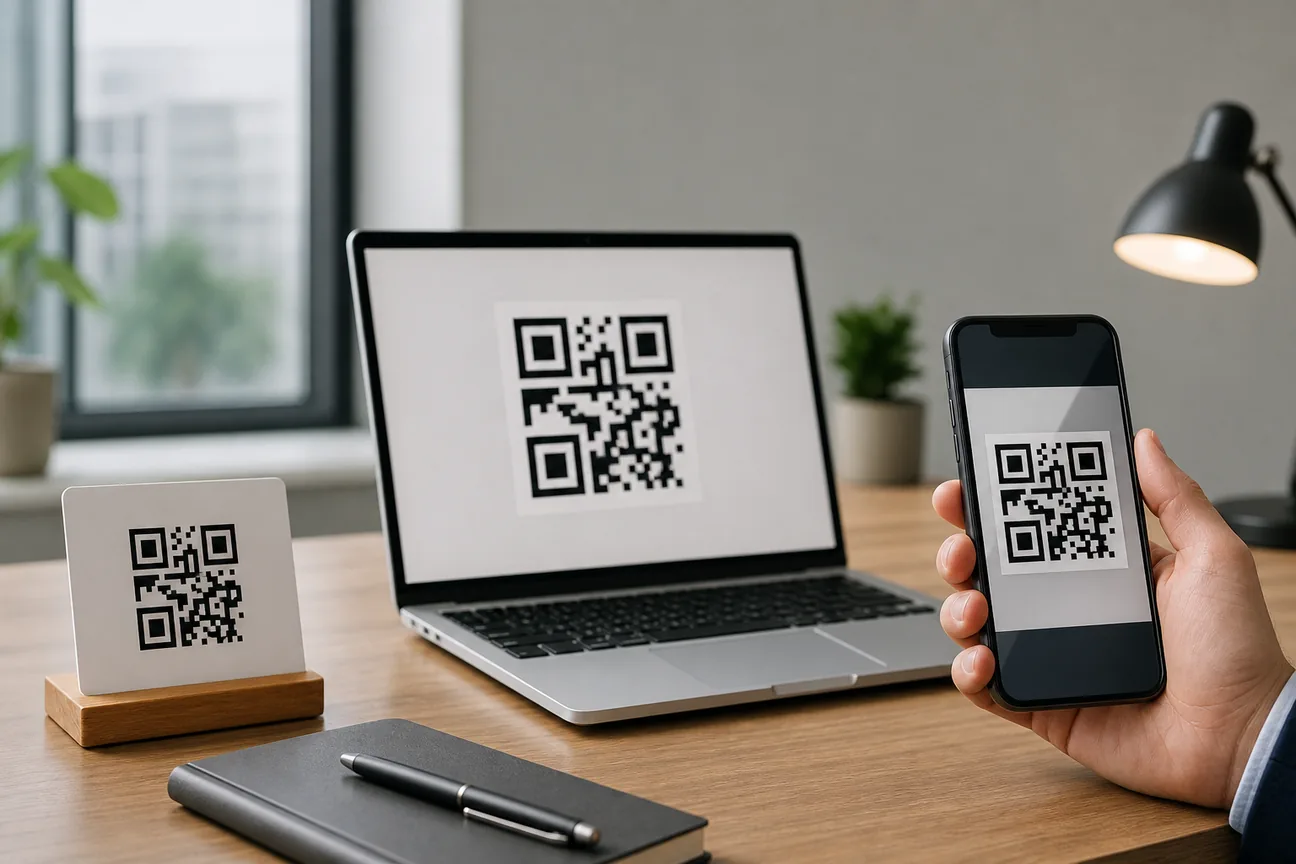
A free vCard QR code generator can share your contact details in seconds. But most free tools stop there. They don't show who scanned your code or help you keep contact data current. Here are six named options, with the best fit for each use case.
1. LetsConnect
LetsConnect is a strong fit for professionals who want a digital business card, not only a static code. We combine QR sharing with NFC, a small wireless chip that lets people tap to open your profile.
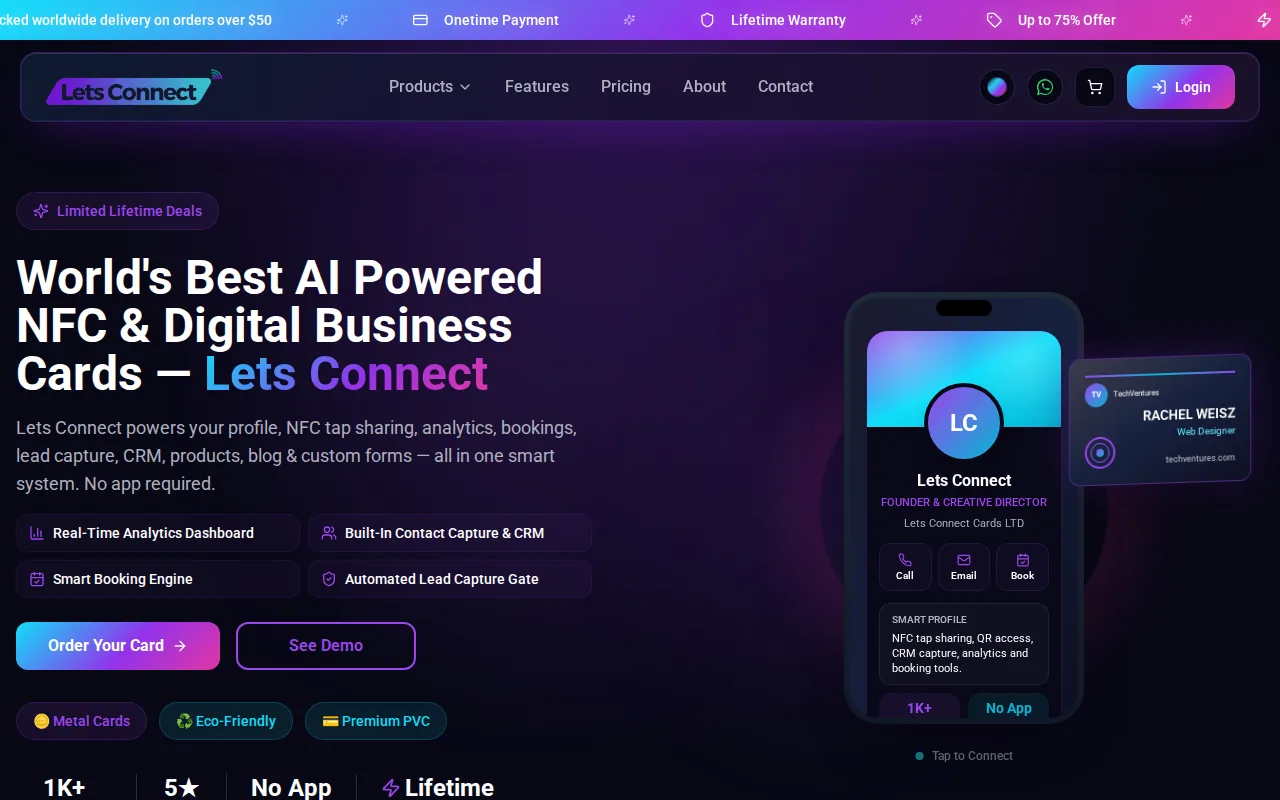
Your card can share contact details, social profiles, portfolio links, bookings, and CRM lead capture. No app is required. A person can scan the QR code or tap a compatible phone, then save your details without typing them by hand.
This matters when your contact details change. A printed static vCard can become stale after a new role, email address, or booking link. A digital profile gives you one place to update the details behind the card.
We also give teams a way to keep staff profiles consistent. A sales rep can share a card at a meeting. A founder can send the same profile through email. A service provider can place the code on a printed card and still send people to a fuller online profile.
The main caveat is simple: LetsConnect is more than a quick, one-off generator. If you only need one basic static vCard for a personal project, a free tool may be enough. For repeat networking, lead capture, and a card that can grow with your work, the extra layer earns its place.
Choose metal, premium PVC, or eco-friendly wood when you want the physical card to match your brand. We also provide free worldwide shipping, so you can move from a QR image to a tap-to-share card without adding another supplier.
QR Code Business Card options make the most sense when your card needs to work in a busy room. Show the code when someone prefers a camera. Tap when speed matters.
2. TXTImpact: Best for analytics without signup
TXTImpact is a good vCard QR code generator for people who want scan data without starting with a long signup flow. Its listed features include vCard QR support, QR color controls, background color, error correction, and margin settings.
The free workflow is useful for a quick campaign. You can make a code for a card, flyer, or event handout. The design controls also help you avoid a plain black square when your printed piece has a clear brand palette.
Analytics are the stronger reason to consider it. TXTImpact lists real-time analytics. Check the current account terms before you print a large batch.
Think of a consultant attending two events. A static code can share the consultant's details, but it can't show which event produced scans. Tracking can answer that question when the code routes through a measured link.
The limitation is that tracking may require an account or paid access. That changes the fit for someone who wants a completely anonymous, one-click download. It also means you should test the full scan path before sending files to a printer.
TXTImpact suits marketers who care about campaign feedback but don't need a full digital card system. It is a better choice for a measured promotion than for a long-term profile that needs rich updates and lead handoff.
For QR safety, check the destination before publishing. A scan should open the contact experience you expect, not an unrelated short link or an old campaign page.
3. QRCode Monkey: Best for branded designs
QRCode Monkey is a strong vCard QR code generator for static designs with logos, custom shapes, and print-friendly files. It supports vCard data types and lets you adjust the body, corner elements, colors, and logo placement.
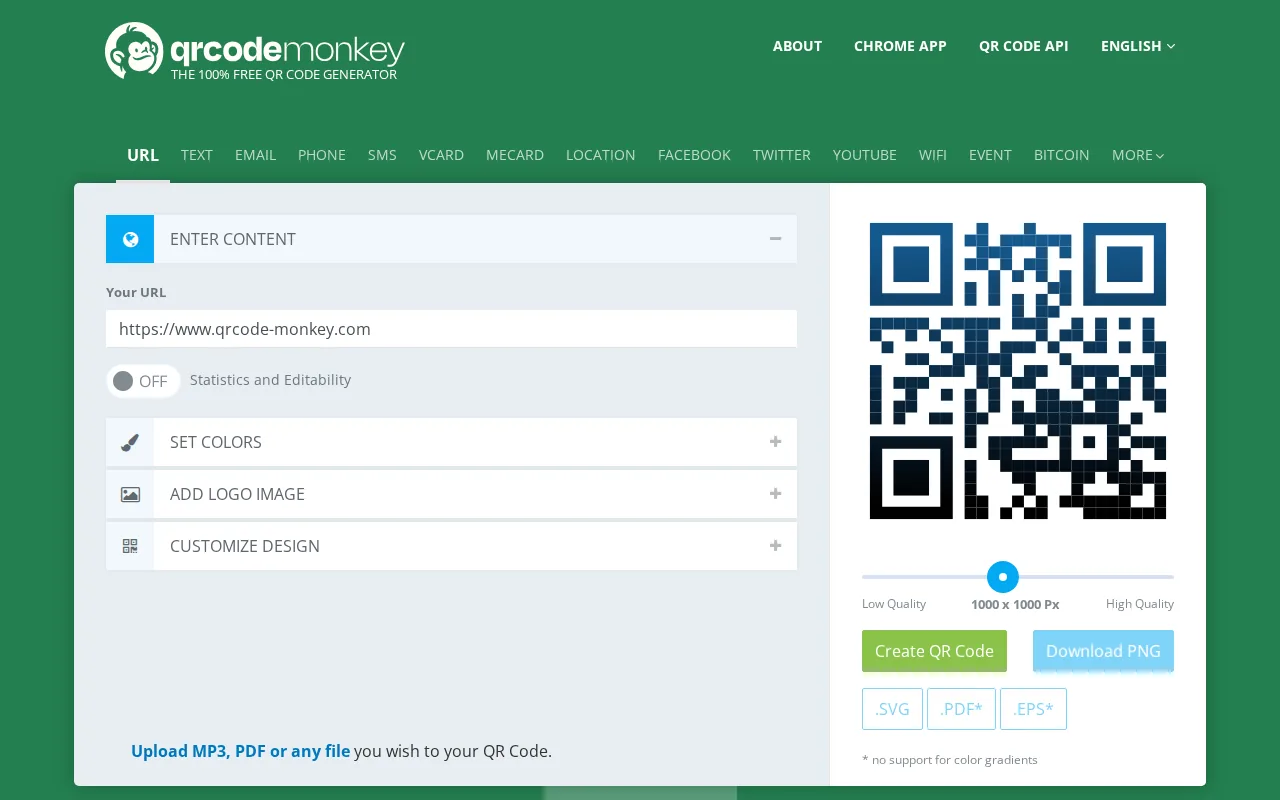
Its design controls are more useful than basic color picking. A brand team can match the code to a card layout, then export PNG, SVG, PDF, or EPS files. SVG is the better choice when a designer needs to scale the code for print without making it blurry.
That trade-off is fine for a freelancer who prints a small run and expects the details to stay fixed. It is less comfortable for a team whose staff names, roles, or links change often.
Logo placement needs care. A large mark can block data cells and hurt scans, even when the tool supports error correction. Keep strong contrast between the dark code and light background. Scan the final file from more than one phone before printing.
QRCode Monkey is the pick when visual control matters more than tracking. Use it for a fixed contact card, printed invite, or portfolio piece. Pick a dynamic platform instead when you expect the destination to change.
4. QRStuff: Best for templates and basic scan statistics
QRStuff is a vCard QR code generator for people who want many content types in one workspace. Its generator includes vCard, Wi-Fi, PDF, menu, payment, and URL options, plus color and template controls.
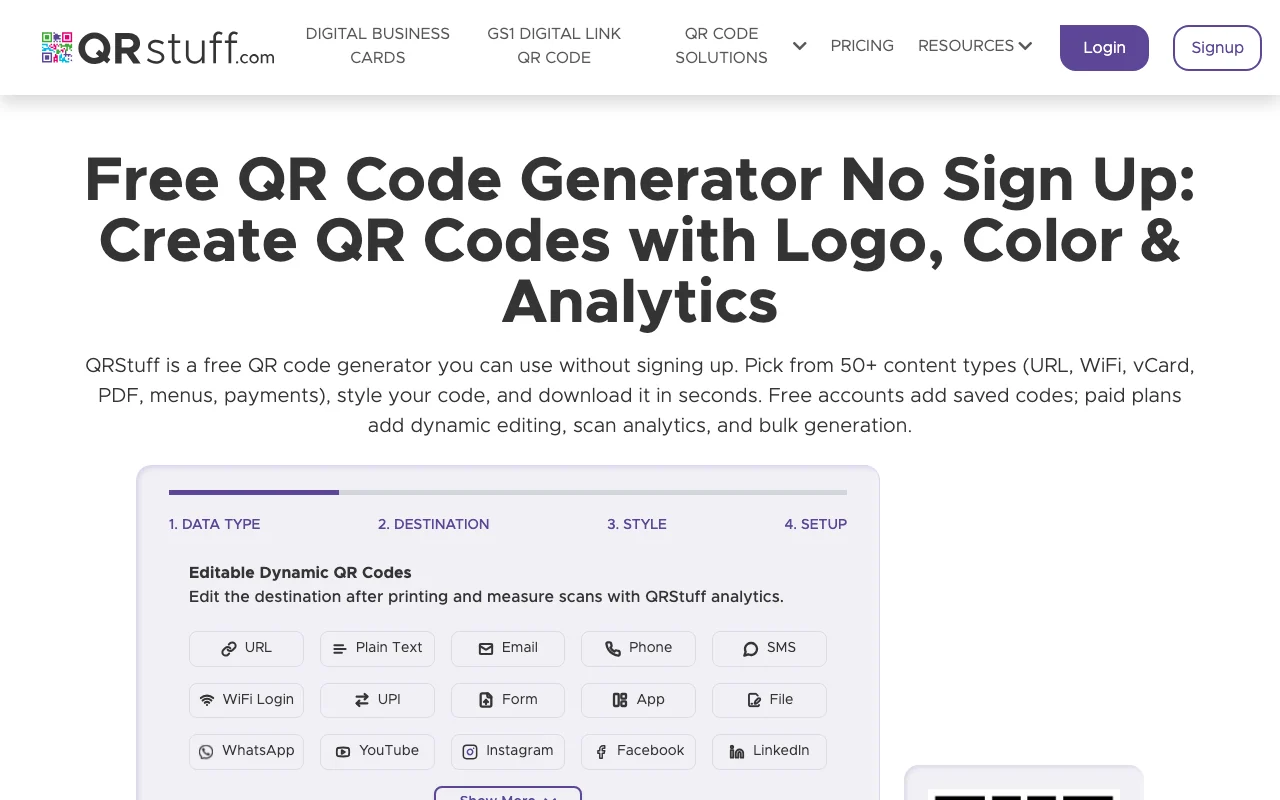
The free tool works without signup, which helps when you need a code during a short design task. Free accounts can save codes. Paid plans add dynamic editing, scan analytics, and bulk generation, so the plan level matters before you treat it as a campaign system.
QRStuff lists basic scan statistics as an analytics option. That can help you check whether a printed card or event handout gets used. It won't replace a full sales dashboard, but even basic scan counts can reveal whether people are engaging.
The broad content menu is useful for a small team. One person might need a vCard for a sales rep. Another might need a Wi-Fi code for a meeting room. Keeping those jobs in one tool reduces the need to learn several interfaces.
There is a clear limit. Advanced editing and analytics sit behind paid plans, and a free code may not give you the same control as a dynamic card platform. Check whether the code can be edited before you put it on a batch of permanent cards.
QRStuff is a sensible middle pick for templates, quick generation, and basic scan feedback. It makes more sense for mixed QR tasks than for a team that needs deep CRM lead capture.
5. QR Code Generator: Best for dynamic vCard tracking
QR Code Generator is a good fit when you need a dynamic vCard QR code with scan tracking. Its vCard Plus format can place contact details on an editable landing page rather than locking every field inside the printed image.
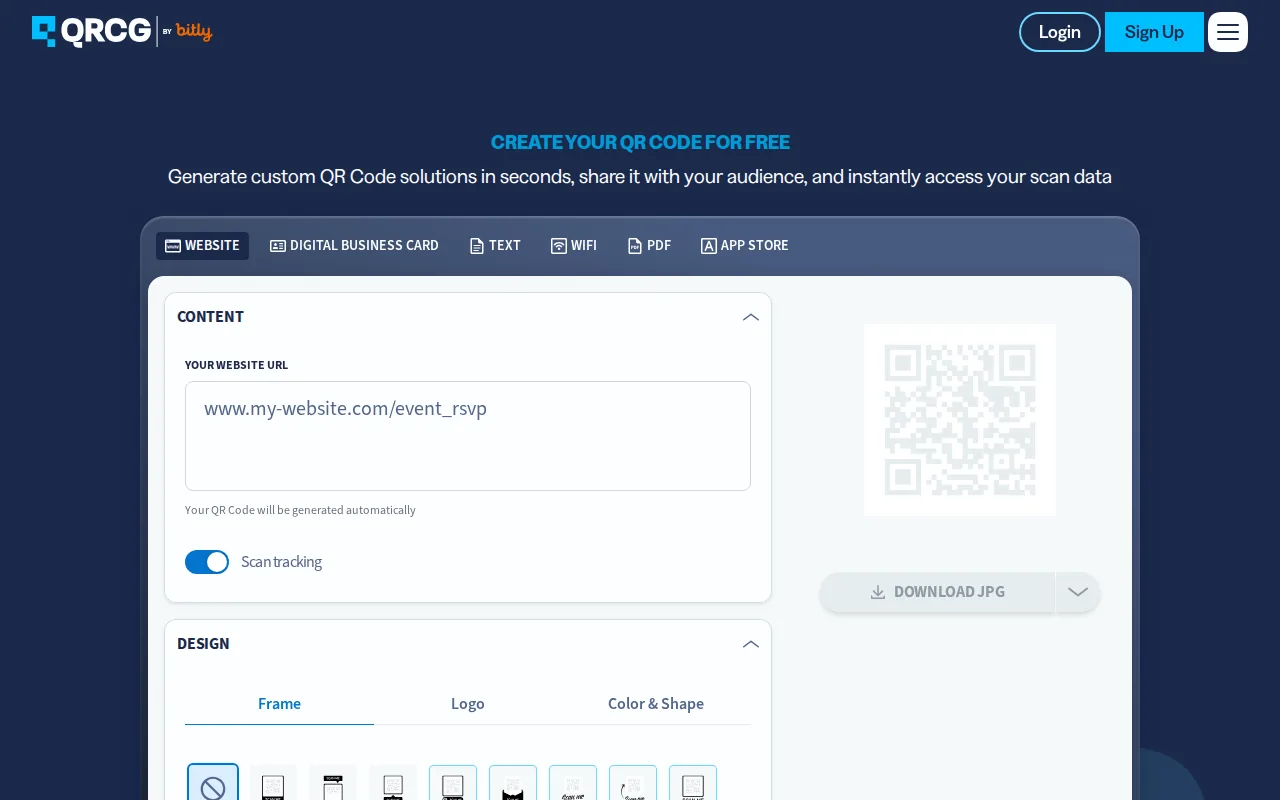
That difference matters. A static vCard stores basic details inside the code. A dynamic version can let you change a link, profile detail, or destination after printing. The QR image stays the same while the content behind it changes.
The service lists real-time scan tracking by location, time, and scan frequency. That gives a marketing team a way to compare physical channels. For example, you could see whether a conference badge gets more scans than a desk card, assuming each channel uses its own tracked code.
Brand controls include colors, logos, frames, and downloadable formats such as PNG, SVG, and EPS. Test the final contrast and size before print. A decorated code still needs to scan quickly in normal light.
The main caveat is the split between static and dynamic products. The basic static vCard is limited and cannot be edited after generation. Dynamic features require an active subscription, so account status becomes part of the code's long-term reliability.
Use this option when scan data is part of the job. If you only want a permanent contact file and don't need reporting, the dynamic layer may be more than you need.
6. DBC: Best for a digital card that stays current
DBC is a strong choice for a digital business card that needs to stay current. Its QR code is generated for a live digital card, rather than only storing a fixed block of contact fields.
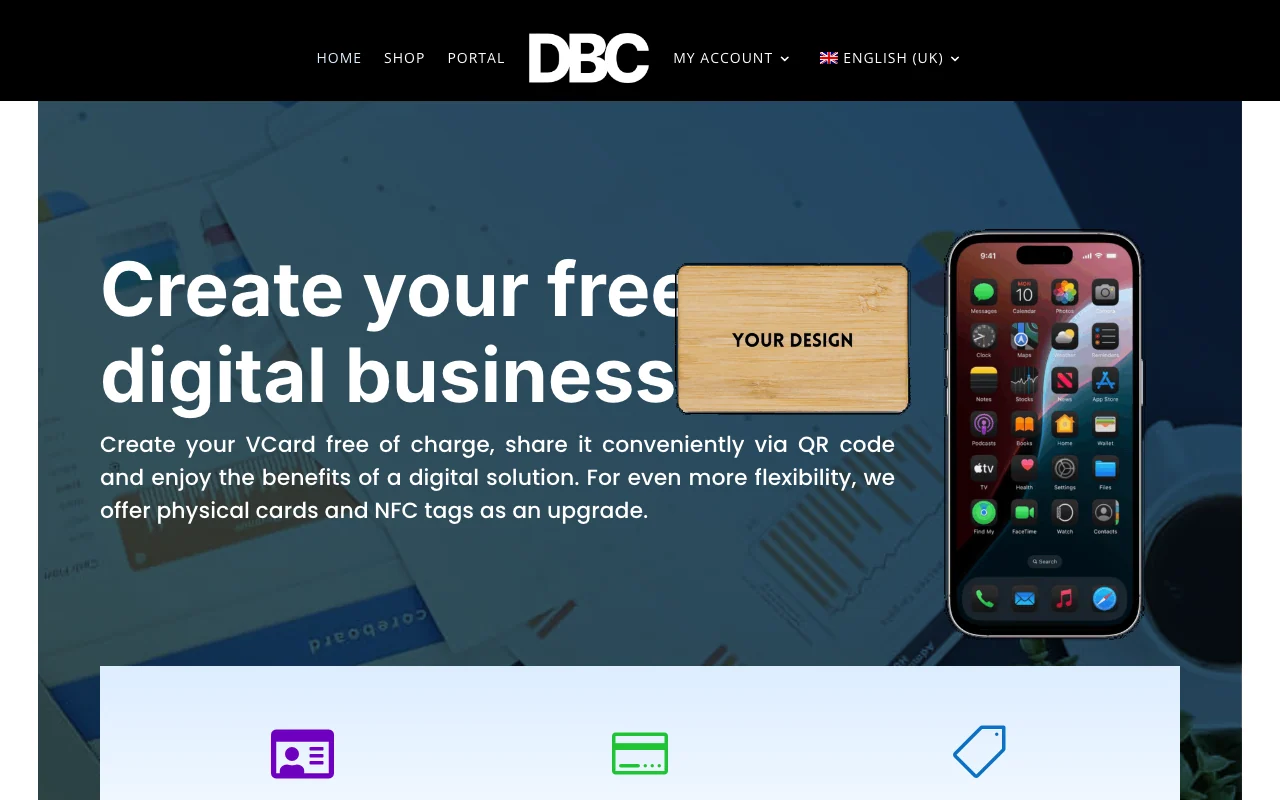
The card can remain useful when your role changes or your profile gains new links. You update the live card, and the QR code continues to point to the current version. That avoids the awkward choice between printing new cards and leaving old details in circulation.
DBC also lists analytics for views and saves. Those signals are closer to contact intent than a scan count alone. A scan shows that someone opened the card. A save suggests they took a further action, although it still doesn't prove that a sales conversation will follow.
This model works well for people who network often. A recruiter can keep one code on a profile card. A consultant can use it at events. A team can keep each person's digital details in a place that is easier to update than a printed design file.
The trade-off is cost and scope. DBC is not presented as a free tool, and it is built around a live card. If your goal is one basic vCard image for a single print job, a static generator may be simpler.
Pick DBC when stale contact details create a real business risk. That is the point where a live profile beats a one-time file.
Comparison table: vCard QR code generators at a glance
The best choice depends on what happens after the scan. Use this view to match the tool to the job, rather than picking the one with the longest feature list.
| Tool | Best fit | Analytics | Can the content change? | Main watchout |
|---|---|---|---|---|
| LetsConnect | Digital card with NFC and lead capture | CRM lead capture | Live profile updates | More than a one-off code maker |
| TXTImpact | Tracking without a long first step | Built-in tracking and analytics | Depends on code type and account | Check access terms before printing |
| QRCode Monkey | Logo-led static designs | No | No | Details cannot change after creation |
| QRStuff | Templates and mixed QR needs | Basic scan stats | Paid dynamic plans | Advanced tools require a plan |
| QR Code Generator | Dynamic vCard tracking | Real-time scan tracking | Yes with dynamic vCard | Dynamic features require subscription |
| DBC | Live card that stays current | Views and saves | Yes | Not a free one-off generator |
One more point: the QR code itself is only part of the contact experience. A QR code for contact information should lead to fields that are easy to check, save, and use on a phone.
Frequently asked questions
What is the best vCard QR code generator?
The best choice depends on your need, but LetsConnect is a strong fit for a live digital card with QR, NFC, and CRM lead capture. QRCode Monkey works well for a fixed branded code. Choose a dynamic tool when you need tracking or expect your contact details to change.
What is the difference between a static and dynamic vCard QR code?
A static vCard QR code stores contact data inside the code and cannot be edited after creation. A dynamic vCard points to editable content, so you can update details after printing. Dynamic tools may also show scan data, but they often require an account or paid plan.
Can a vCard QR code track scans?
A vCard QR code can track scans only when it uses a dynamic link or a platform with tracking. Static codes usually have no scan data because they contain the contact file directly. Several QR code platforms offer tracking features, though access depends on the product and plan.
How large should a vCard QR code be on a business card?
A vCard QR code should be large enough to scan at normal hand distance, with clear contrast and space around its edges. Test the exact printed file before ordering cards. A logo or low contrast can hurt scanning, so keep decoration modest and scan the final design on more than one phone.
Can a QR code replace a digital business card?
A QR code can open a digital business card, but it is not the whole card. The code is the entry point. The profile behind it can hold contact details, social links, bookings, a portfolio, or lead forms. LetsConnect adds NFC as a second sharing path when a tap is easier than a scan.
Conclusion
Choose LetsConnect if you want one profile that supports QR sharing, tap-to-share NFC, and lead capture. If you only need a fixed image, QRCode Monkey is a sound design pick. Start by testing your contact flow on two phones, then choose the card or generator that fits how you actually network.
Why Lets Connect is the best digital business card
- Free to start: a digital card with your own link and QR code, no card details needed.
- Pay once: no monthly fee for your card or your lifetime plan.
- The follow-up is built in: lead capture, a CRM, a card scanner, bookings, forms and review links in one dashboard.
- No app on either side: it opens in the browser on iPhone and Android.
Related articles
- Best Digital Business Cards in the UK (2026): 8 Compared on Price and Features
- UC Awards 2026: Why Lets Connect Was Named a Rising Star Finalist
- Our Aim: To Lead the Business Card Category Worldwide by 2028
- Going to The Business Show London? Don't Bring Business Cards
- Best NFC Tools for iPhone: 9 Cards and Apps
- Best Business Card Apps for Professionals