Best Business Card Apps for Professionals
Compare business card apps for professionals, entrepreneurs, and teams by NFC and QR sharing, digital profiles, lead capture, and CRM features.

The best business card apps make it easy to share your details and keep a new connection moving toward follow-up. But tap-to-share hardware, QR codes, analytics, and CRM connections aren’t standard across every app. Here are six options, starting with LetsConnect, and the kind of professional each may suit.
1. LetsConnect
LetsConnect pairs a physical NFC card with a digital profile that can share contact details, social profiles, and a portfolio with one tap. NFC, or near-field communication, is the short-range wireless technology used for tap-to-share.
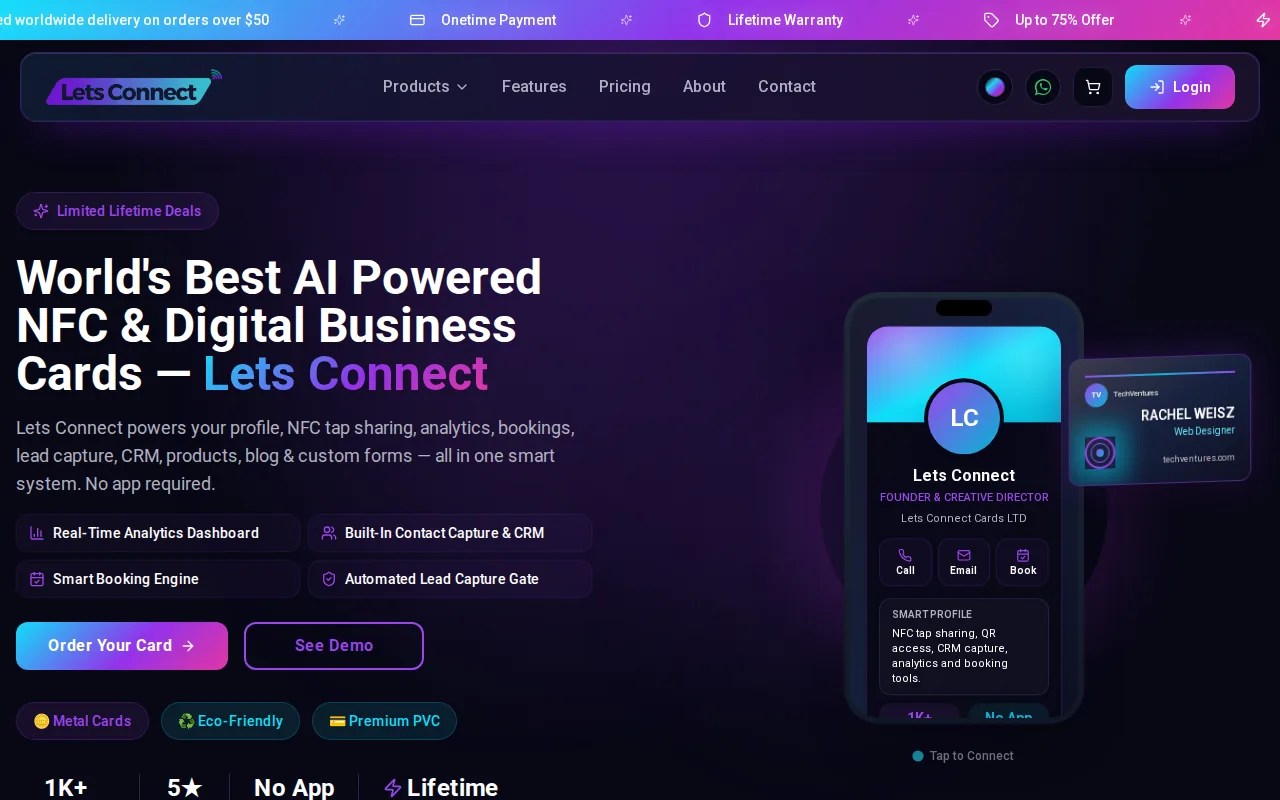
It’s a good fit if you want a card that feels familiar in a meeting but can send people to a richer profile. You can also share booking details and capture leads for CRM follow-up. The recipient doesn’t need an app, which keeps the exchange simple when you’re meeting someone new.
We offer card options in PVC, wood, and metal. A card is a one-time purchase, with the digital profile and dashboard included and no monthly fee. The listed starting prices are $30 for PVC, $70 for wood, and $130 for metal. Free tracked worldwide delivery applies to orders over $50.
For a team, a shared digital profile can also make it easier to keep contact details current without reprinting cards after every change. The NFC Business Card page has the card details. If you want one physical card with digital sharing, start there.
Key Takeaway: Pick LetsConnect if you want a physical card, a digital profile, and no monthly card fee.
2. Mobilo: A hardware-first card with digital capabilities
Mobilo centers its approach on a physical business card with digital features. It suits professionals who like handing someone a real card but want more than printed contact details.
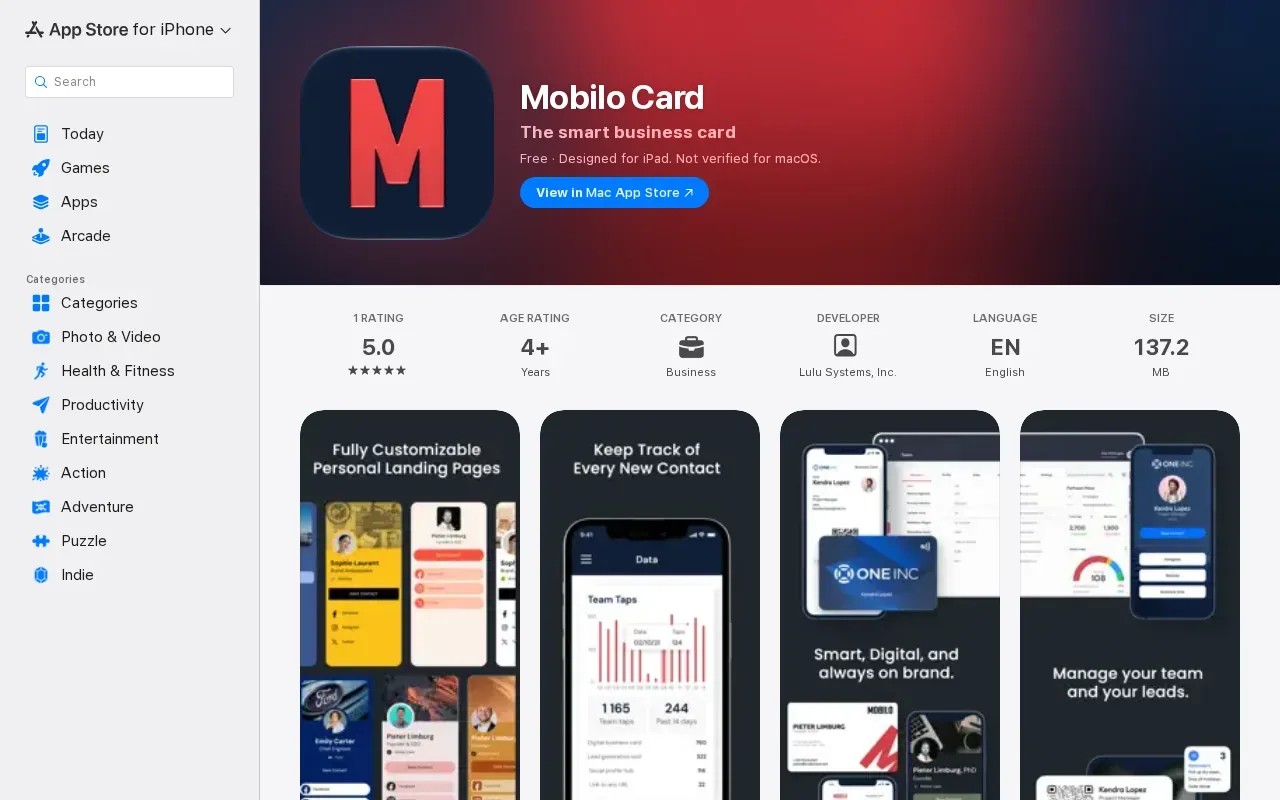
The card can be shared by tap, by scan, or through a landing page, and captured contacts can sync to a CRM. That may suit a sales team that wants one physical card per person and a direct route from a new contact to its follow-up list. Check that the sync fits your team’s CRM fields before rolling it out.
3. V1CE: NFC-enabled physical business cards
V1CE builds its digital business card experience around NFC-enabled physical cards. It’s a fit for professionals who want a physical card at an event, with digital sharing and contact capture behind the tap.
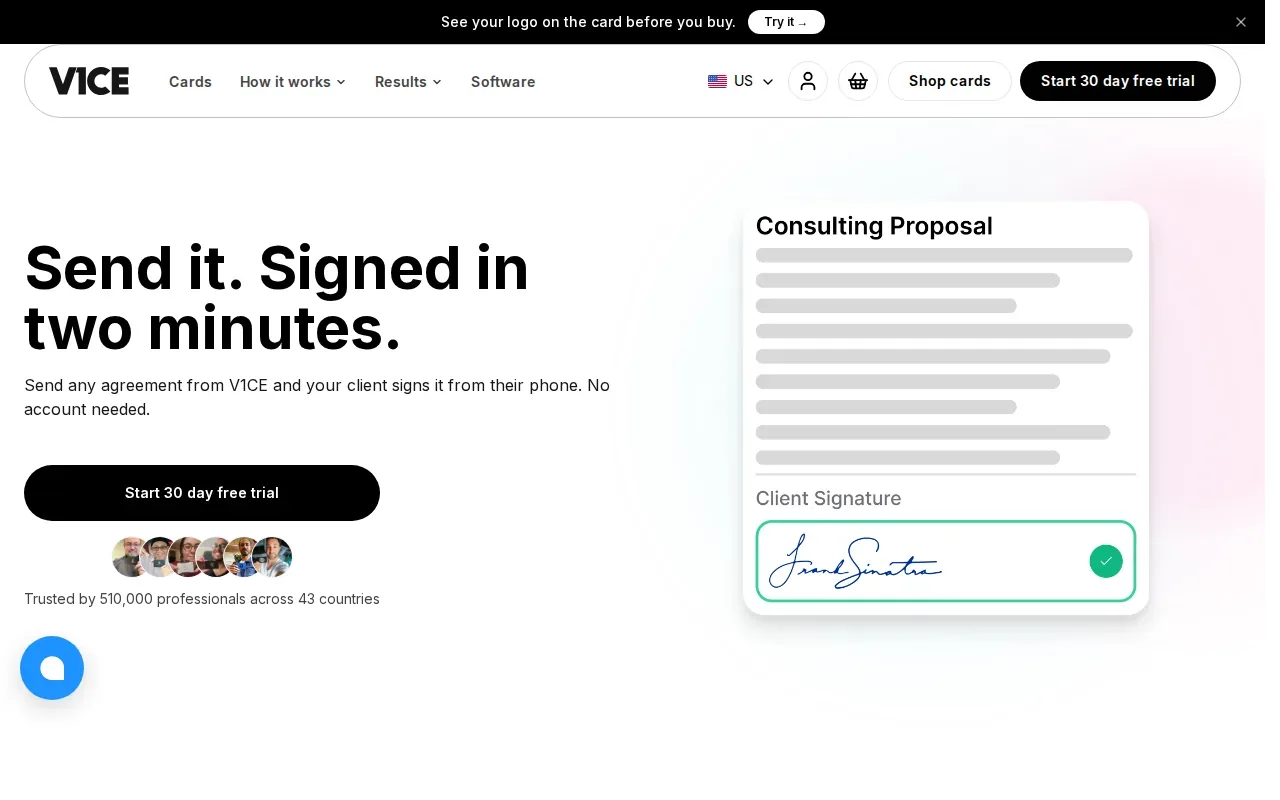
The profile can be shared by NFC tap, QR code, or link. V1CE also offers two-way contact capture that can feed your CRM, so the person you meet can send their details back during the same exchange.
The physical card is the center of the offer, so consider how often you meet people in person. If most of your networking happens through email or online meetings, a tap-ready card may be less important than a profile you can send as a link. For event-heavy work, the combination of a physical card and digital exchange is the key appeal.
4. Dot: An NFC card paired with a bio page
Dot pairs a physical NFC-enabled card with a LinkedIn-style bio page. It may suit professionals who want a card to start the interaction, then let a profile carry more information than a printed card can.
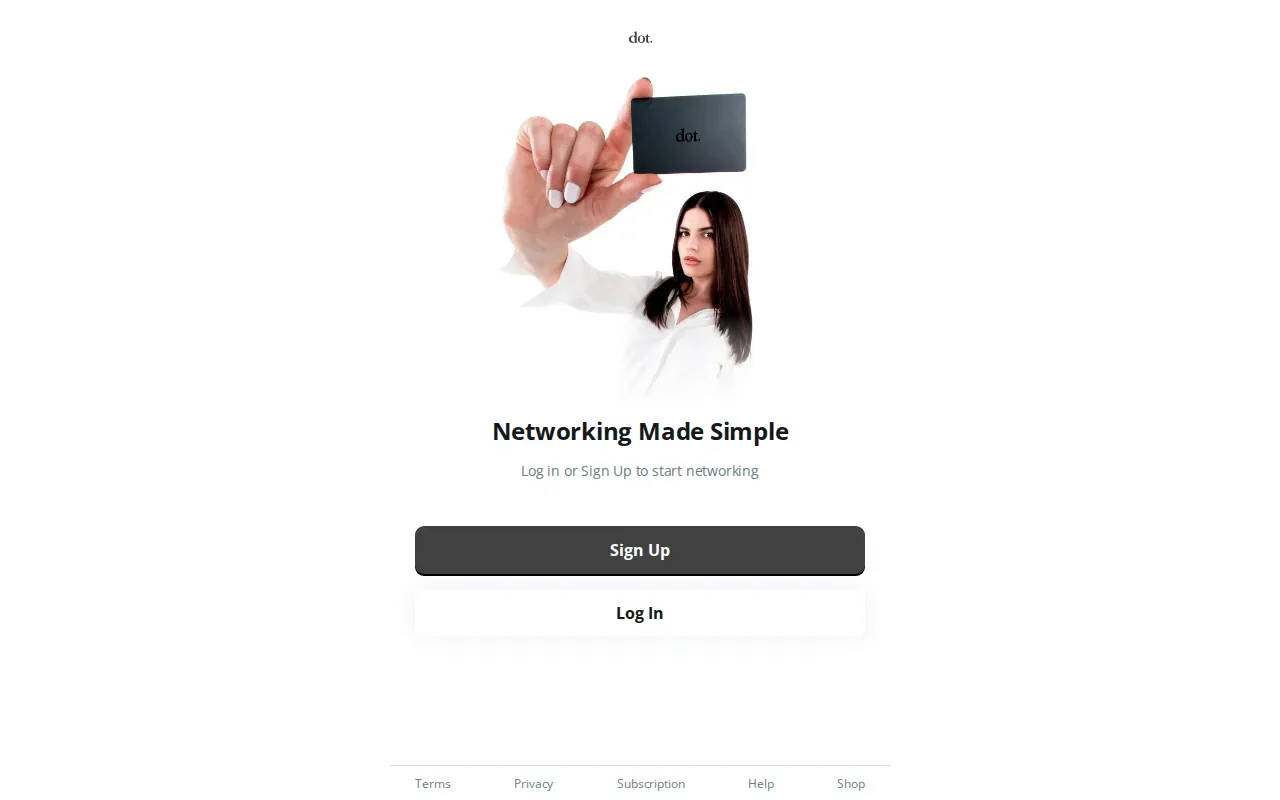
The profile can be shared by NFC tap, QR code, or a personalized link. That gives you a few ways to send the same profile, whether you’re meeting face to face or following up online.
Dot’s hybrid format makes the most sense when your bio page is part of your introduction. For example, a consultant might want a new contact to see more than a name and email address. A bio page can bring key professional details together without asking the other person to search for them.
Dot also describes saving captured contacts into a CRM. If you rely on that step, check how the contact moves from the profile interaction into your team’s follow-up routine. Analytics can show profile views, but the next step still depends on how your team handles a new lead.
5. Tapt: NFC and QR sharing with basic analytics
Tapt is a digital business card platform centered on NFC tap-to-share and QR code sharing. Its standout feature is basic analytics, making it worth a look if your team wants a simple way to check card activity.
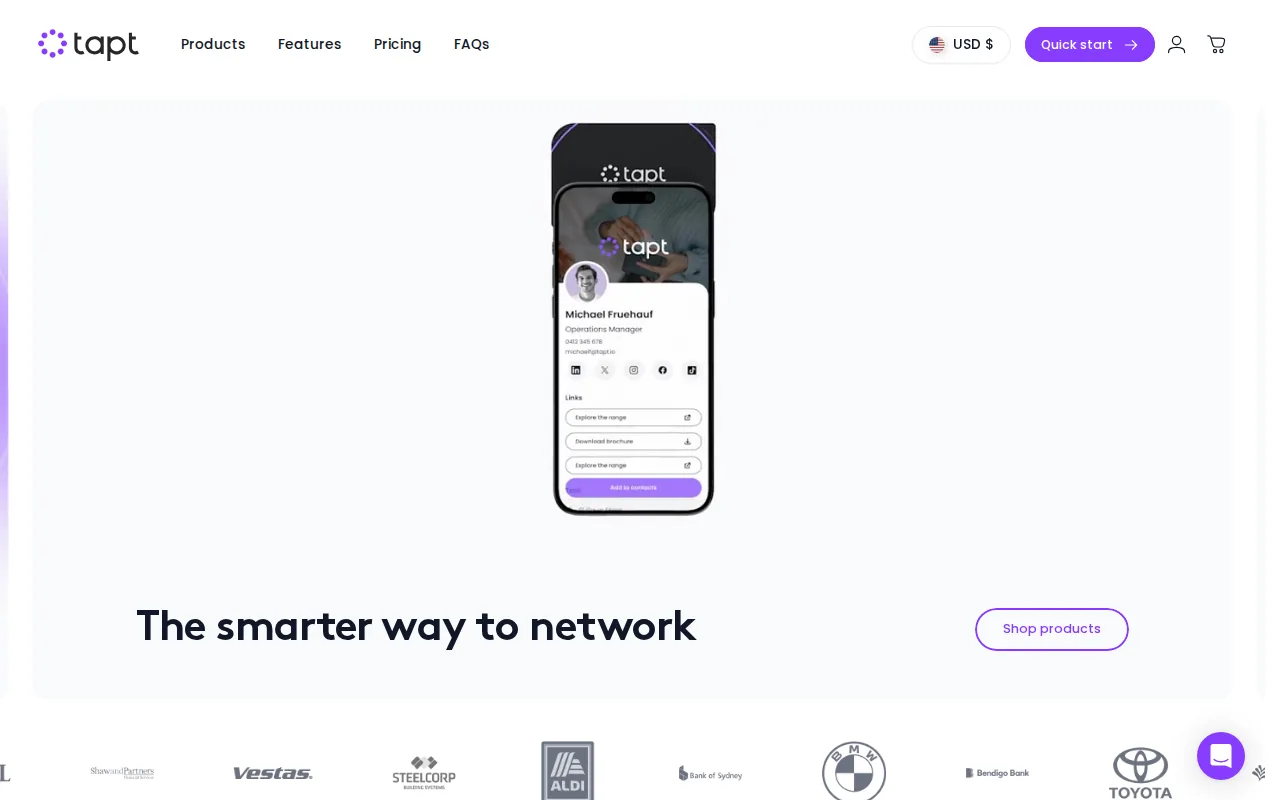
Tapt describes its service as a team platform for branded profiles, contact capture, and event leads. Team members can share a profile without asking the recipient to install an app. New contacts can be added to a lead dashboard, giving a team a place to review the people it meets.
Basic analytics can help answer a narrow but useful question: are people opening the profile after a share? That signal can guide a team’s next check. If views are happening but follow-ups aren’t, the gap may be in the team’s handoff process rather than in the card itself.
Tapt may suit a group that values consistent team profiles and a shared lead view. Before choosing it, map out where a captured contact needs to go next. A dashboard can collect leads, but your team should confirm how those records fit into its existing sales process.
6. Tapni: NFC and QR sharing across modern smartphones
Tapni lets users share a profile through an NFC tap or built-in QR code. Its compatibility with modern smartphones makes it a fit for professionals who want to switch between tap and scan when they meet someone.
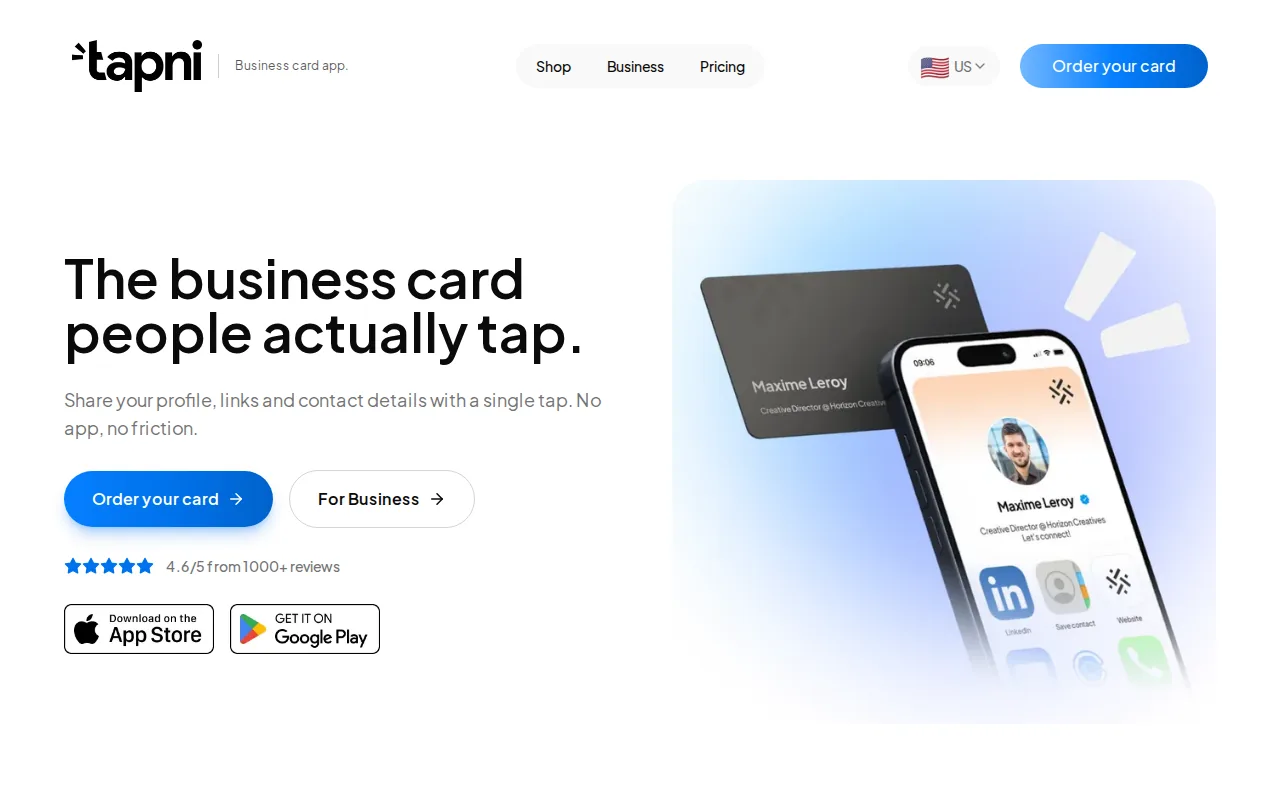
The Tapni card can open a profile without requiring the recipient to install the app. You can edit your details in the Tapni app, so the shared profile can stay current when your role or contact information changes. That helps avoid ordering another printed batch just to update a detail.
For a team, Tapni describes volume discounts on orders of ten or more cards and centralized profile management. These features make it easier to keep a team’s cards aligned while giving each profile its own details.
Tapni is a sensible option if your main need is flexible sharing across NFC and QR. If you also need contact capture or a CRM handoff, verify that the specific setup you plan to use supports the workflow your team expects. A smooth share is only one part of turning a meeting into a useful follow-up.
Business Card Apps Compared: Sharing Methods and Standout Features
The right choice depends on what happens after someone opens your card. Use this table to spot the main difference, then check the handoff that matters most to your work.
| App | Sharing approach | Standout detail | Good fit when… |
|---|---|---|---|
| LetsConnect | NFC card and digital profile | CRM lead capture; no monthly card fee | You want physical-card sharing and a digital profile. |
| Mobilo | Physical card, tap, scan, or landing page | Captured contacts can sync to a CRM | You want a hardware-first card with digital contact capture. |
| V1CE | NFC card, QR code, or link | Two-way contact capture can feed your CRM | You want a physical NFC card and a digital exchange. |
| Dot | NFC, QR code, or profile link | Bio page with profile-view analytics | You want a card that leads to a fuller professional profile. |
| Tapt | NFC tap or QR code | Basic analytics and a lead dashboard | Your team wants branded profiles and a shared lead view. |
| Tapni | NFC tap or built-in QR code | Works with modern smartphones | You want to choose between tapping and scanning. |
For a broader look at networking tools beyond digital cards, our business networking app comparison covers other parts of the process.
Pro Tip: Test the full exchange before choosing. Share a profile, capture a contact, then check where that contact appears next.
Frequently asked questions
What is the best business card app for professionals?
The best fit depends on how you share and follow up. LetsConnect combines a physical NFC card with a digital profile and CRM lead capture, with no monthly fee for the card. If you need a different mix, compare options by sharing method, contact capture, team controls, and the next step after someone views your profile.
Do digital business card apps require the other person to install an app?
No, some let the recipient open your profile without installing an app. LetsConnect needs no app on the recipient’s phone, and several other options here also let the recipient open a profile without an app. Check the exact exchange flow before buying, especially if you’ll use the card with clients who may not want to download anything.
What’s the difference between NFC and a QR code on a business card?
NFC shares information through a short-range wireless tap, while a QR code is scanned by a phone camera. An NFC card can make an in-person exchange quick, while a QR code gives you a visual option to scan. Apps that support both let you choose based on the phone and setting in front of you.
Can a digital business card app send contacts to a CRM?
Some options describe CRM connections, but capabilities vary. LetsConnect supports CRM lead capture, while V1CE has CRM capabilities. Before committing, check which contact fields move over and what your team must do after a new record arrives. That’s where a promising lead can otherwise stall.
Do I need a physical NFC business card?
No, a physical card isn’t right for every professional. It can be useful when you meet people in person and want a quick way to share a digital profile. If most introductions happen remotely, sharing a profile link may be enough. Choose based on where your conversations happen and how you want to follow up.
Conclusion
If you want a physical card with a digital profile and CRM lead capture, start with LetsConnect. Review the card materials and one-time prices, then choose the option that fits the way you meet people. We’ll help you make the handoff simple, with tap-to-share and no app required.
Why Lets Connect is the best digital business card
- Free to start: a digital card with your own link and QR code, no card details needed.
- Pay once: no monthly fee for your card or your lifetime plan.
- The follow-up is built in: lead capture, a CRM, a card scanner, bookings, forms and review links in one dashboard.
- No app on either side: it opens in the browser on iPhone and Android.