Best NFC Tools for iPhone: 9 Cards and Apps
Compare NFC tools for iPhone, including LetsConnect and eight other digital card options, to find the right fit for sharing details and capturing contacts.
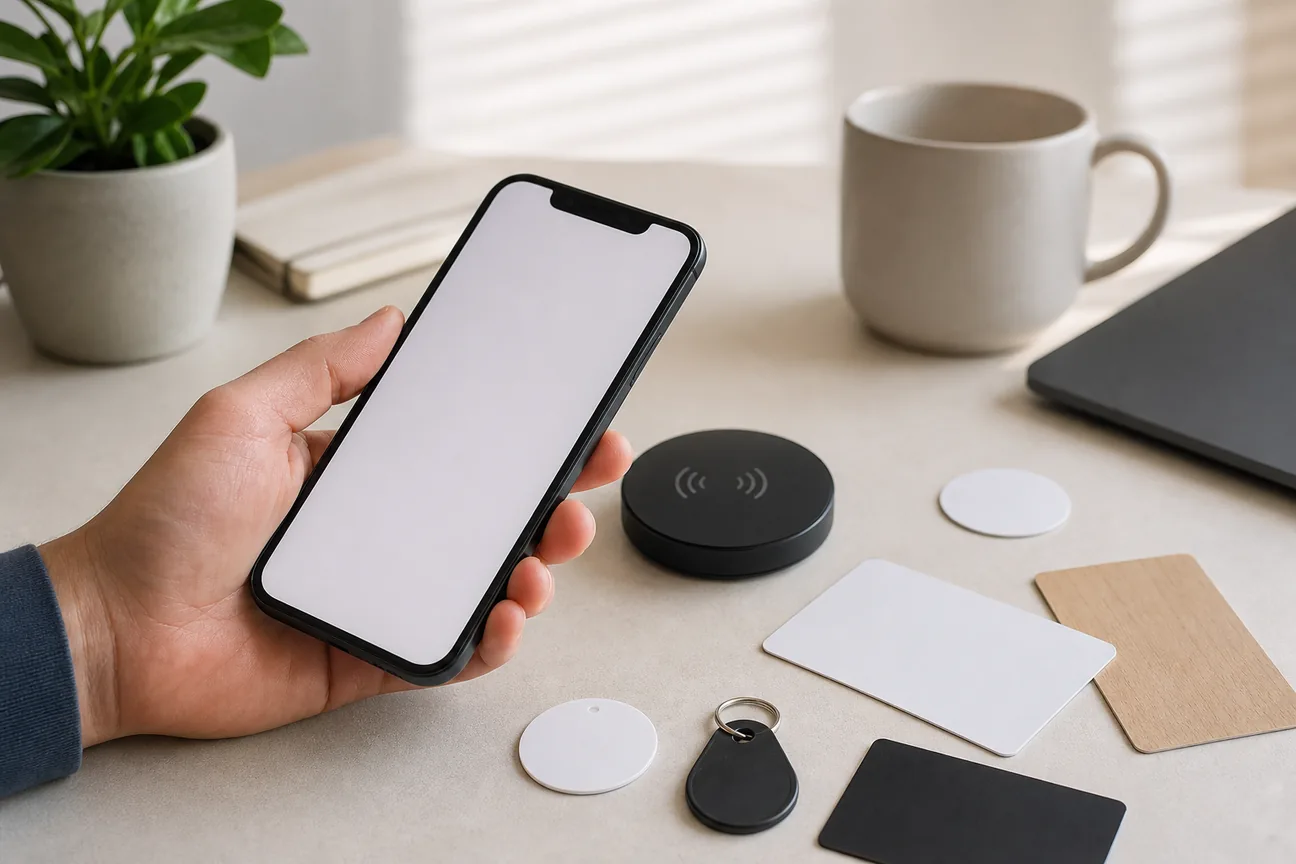
The best NFC tools for iPhone let you share contact details with a tap, but they differ in hardware, profiles, and follow-up tools. NFC means Near Field Communication, a short-range wireless feature that can open a digital profile when someone taps a card. Here are nine options, starting with LetsConnect.
1. LetsConnect
LetsConnect pairs a premium NFC card with a digital profile that opens when someone taps the card. It’s built for professionals, entrepreneurs, and teams who want one card to share contact details, social profiles, or a portfolio without asking the other person to install an app.
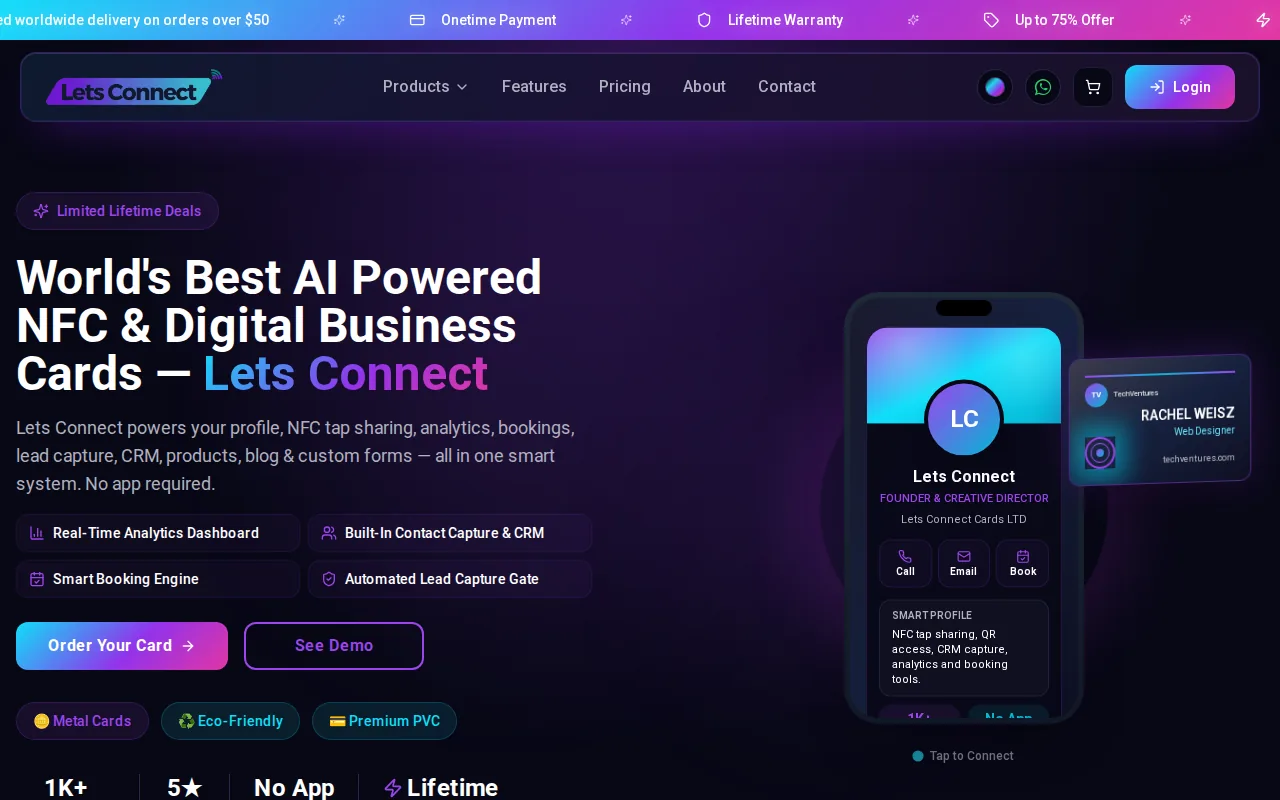
We also support lead capture and CRM features, along with booking tools. That can help when a quick introduction needs to lead to a next step, such as collecting a prospect’s details or letting them request a meeting. You can update your profile instead of reprinting cards when your information changes.
Choose from metal, PVC, or wood cards. The card purchase is one-time, and the digital profile includes unlimited edits and a dashboard. Tracked worldwide delivery is free on orders over $50. For an iPhone tap that doesn’t open, our guide to scanning an NFC tag on iPhone covers compatibility and common fixes.
Key Takeaway: Choose LetsConnect when you want physical NFC hardware paired with a profile, lead capture, and CRM tools.
2. Blinq: For contact workflows and AI-assisted follow-up
Blinq is a digital business card option for people who want contact sharing connected to a broader contact workflow. Its strengths include AI notetaking, contact enrichment, universal scanning, and CRM sync. That mix is worth considering if an introduction is only the start of a sales or follow-up process.
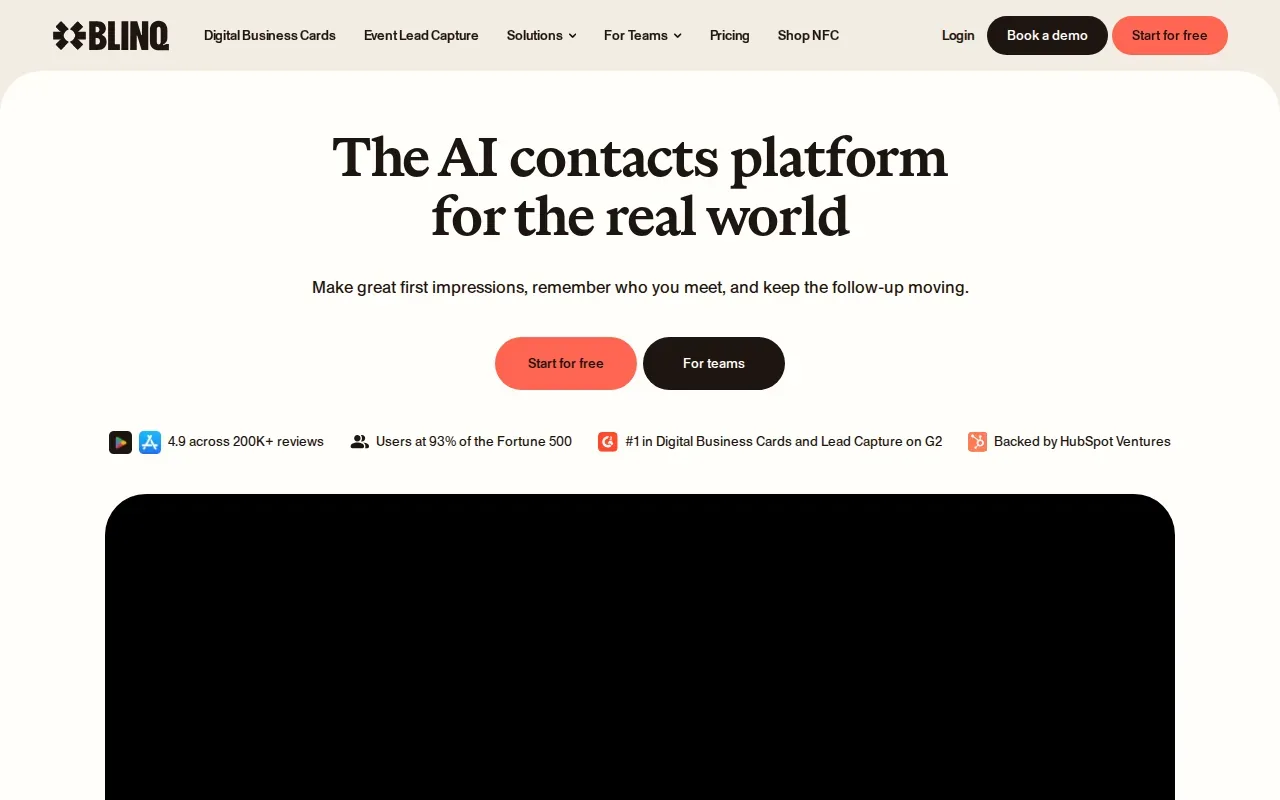
For example, a team member can capture a new connection, then use the contact workflow to support follow-up. Contact enrichment can help add context to a record, while CRM sync connects contacts with a team’s existing system. AI notetaking is another part of Blinq’s focus.
The fit depends on your needs. If you mainly want an NFC card and a profile, these broader contact features may be more than you need. If your work already depends on structured contact follow-up, Blinq is aimed at that wider workflow.
3. Dot Card: For pairing a physical NFC device with a digital profile
Dot Card pairs a physical NFC device with a digital profile that you set up once. It suits people who prefer to carry a dedicated item for sharing, rather than rely only on a link or a phone screen.
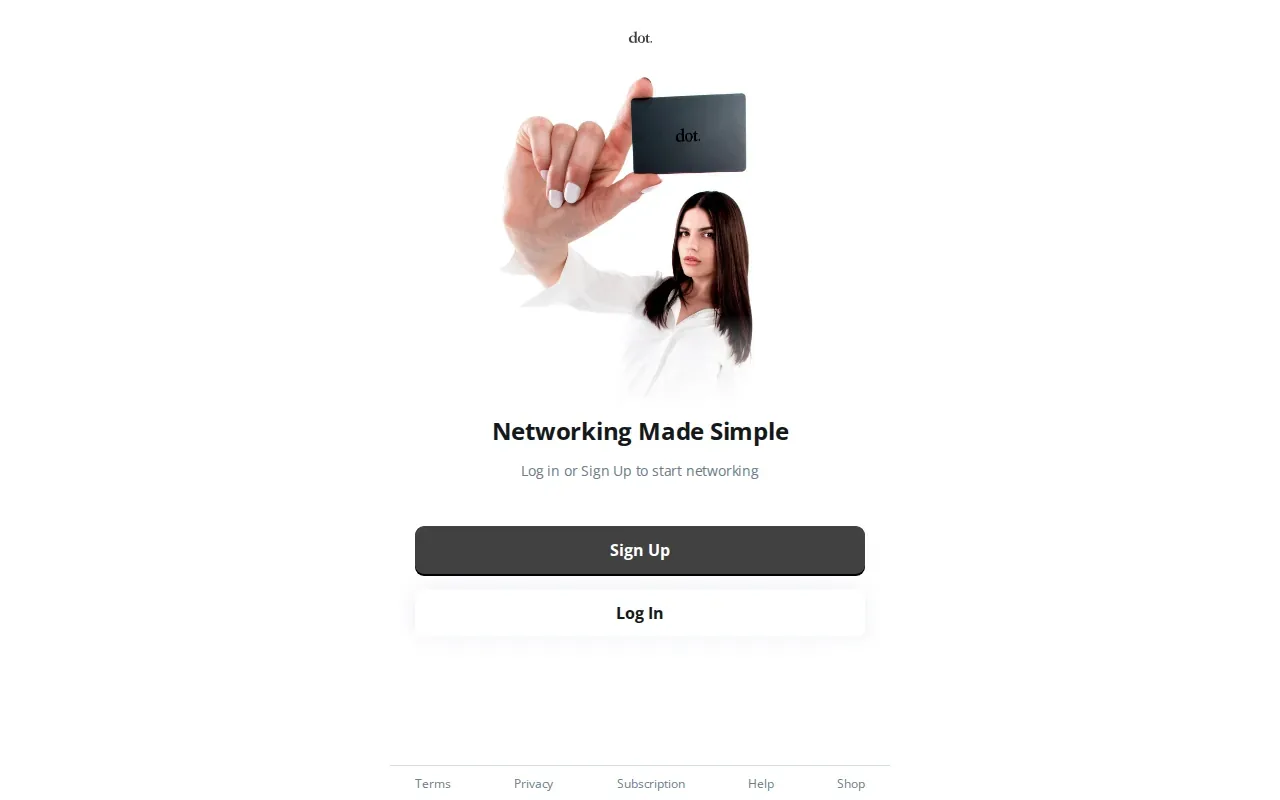
That physical-and-digital pairing gives you a simple handoff at a meeting: tap the device, and the other person reaches your profile. The profile can stay in use as your contact details change, so a change to your role or preferred links doesn’t have to mean handing out a new paper card.
Dot Card includes free profile access. It’s a focused choice for NFC hardware networking, especially if having a physical card or device is part of how you want to make an introduction.
4. V1CE: For premium physical NFC cards
V1CE is the premium physical-card option in this shortlist. Its strengths include premium NFC card materials, wallet support, contact capture, and automated follow-ups. The physical card may suit executives, consultants, founders, or client-facing professionals who want the card itself to be part of their brand presentation.
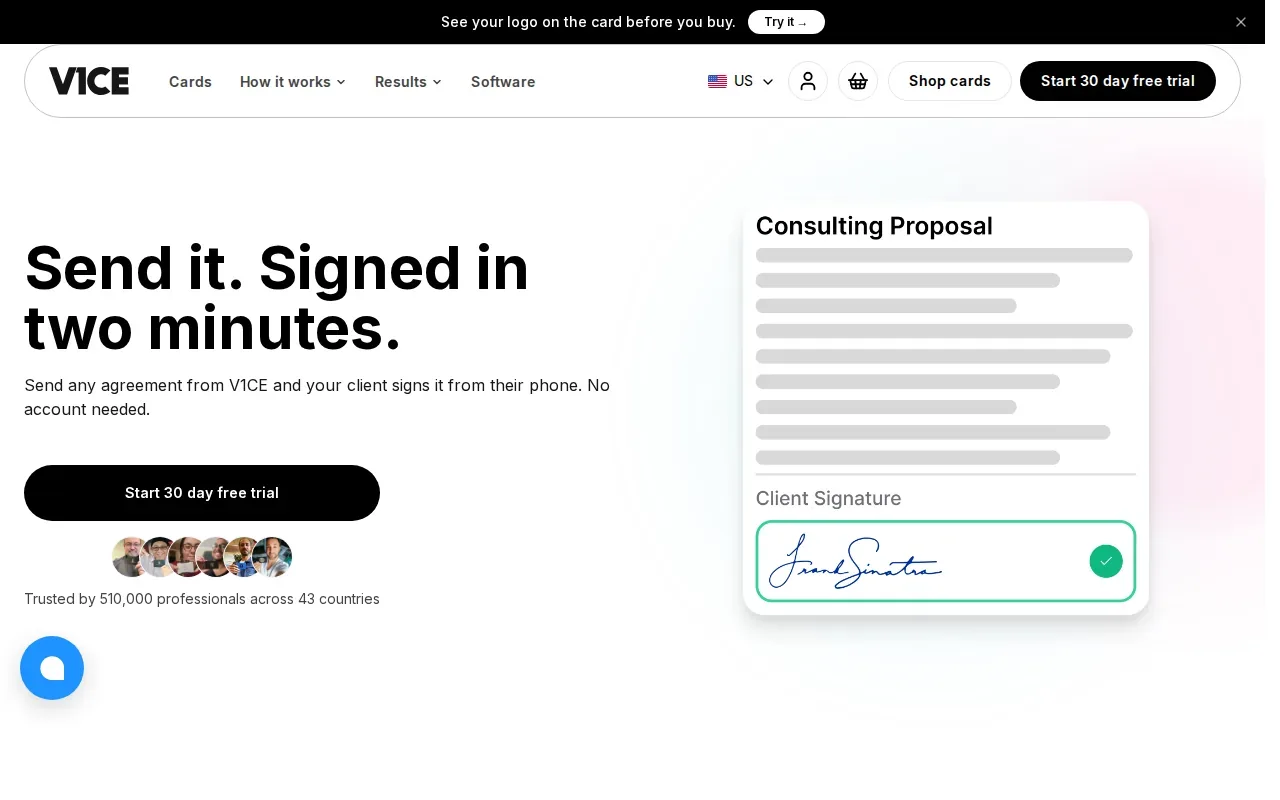
Contact capture and automated follow-ups can support the work after a first meeting. Rather than treating the tap as the end of the exchange, you can make it part of a process for keeping in touch. V1CE also has a free digital card available, so a physical card isn’t the only format in its offer.
Pick this option when the feel and look of a physical card matter to your role. For a more flexible setup centered on a digital profile and wider networking tools, compare it with LetsConnect.
5. Lynkle: For a polished profile with a compatible NFC card or tag
Lynkle is a digital identity tool for iPhone and Android, with a free plan and sharing through a QR code, link, or mobile wallet. You can pair a compatible third-party NFC card or tag with your profile at no charge, which is useful if you already have NFC hardware.
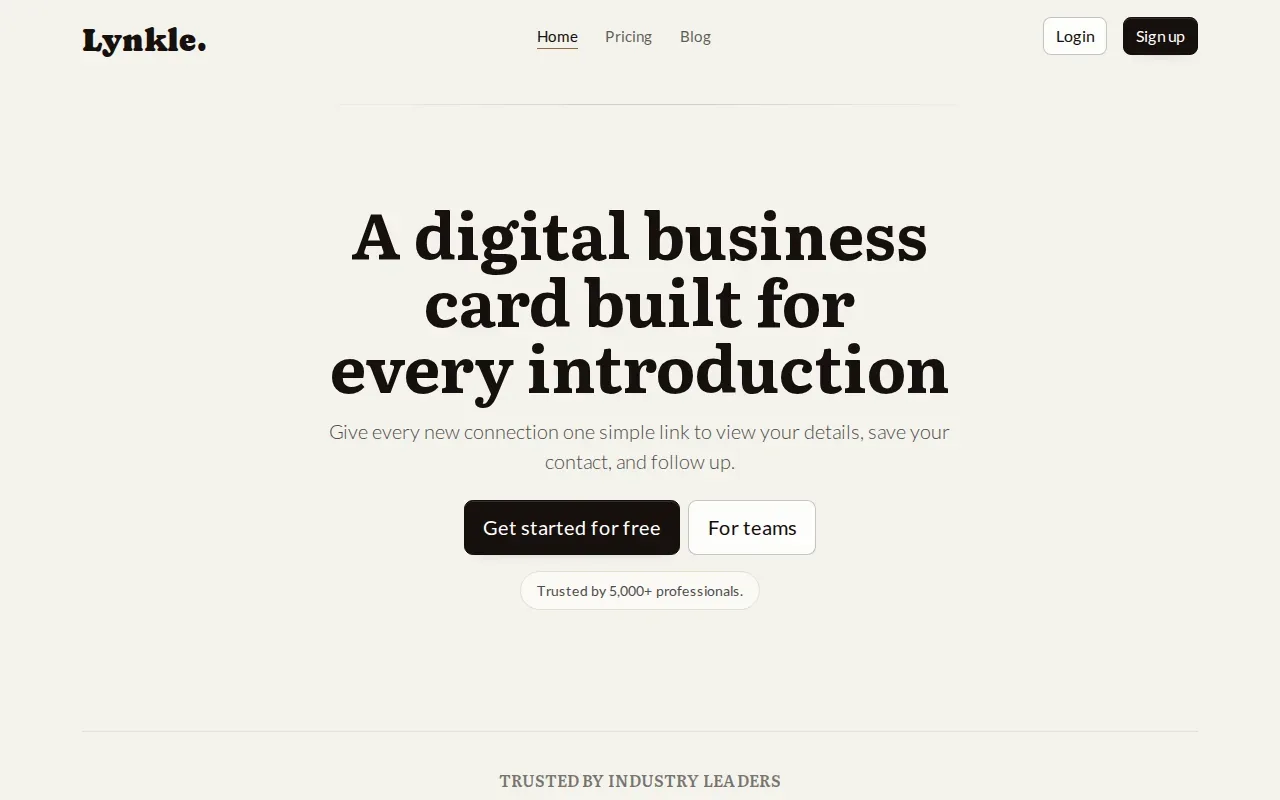
Recipients open the profile in a browser, so they don’t need to install Lynkle. You can also keep a QR code in Apple Wallet or Google Wallet. That gives you another way to share when a tap isn’t convenient, such as during a video call or across a desk.
Some added features are tied to Lynkle Pro or Teams. Lynkle supports phone-to-phone NFC sharing on Android and on iOS in the European Economic Area. Check that regional detail before choosing Lynkle for an iPhone-based NFC workflow.
Pro Tip: Before an event, test your chosen card or tag with the iPhone you’ll use to share it.
6. Tappy: For NFC-focused networking
Tappy is a digital business card platform focused on NFC networking. It suits people who want a tap-based way to share their details, with a profile editor included.
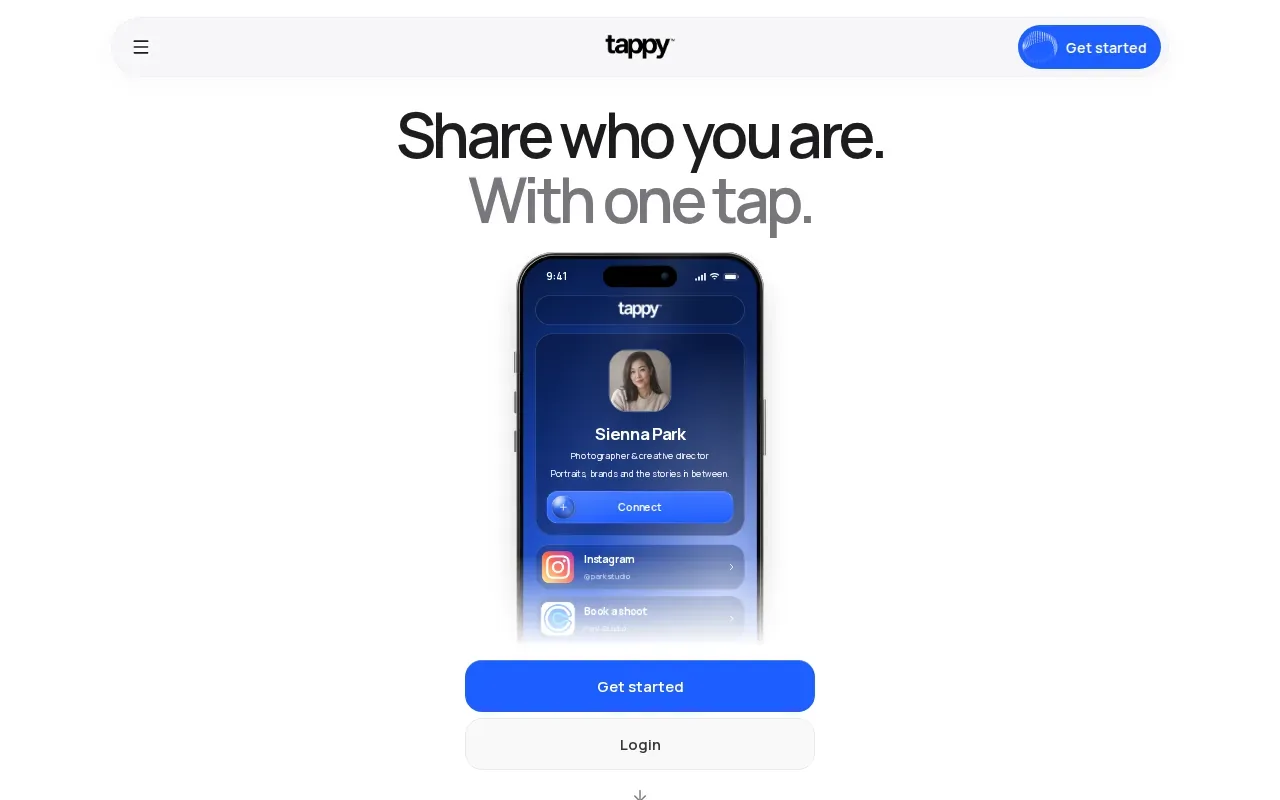
The profile editor can be customized with items such as links, lead forms, videos, or payment buttons. That can help a person tailor the page to the meeting. For example, a consultant might want a recipient to reach a booking page, while someone promoting a project may want to point people to a video.
Tappy has a free plan. Its main distinction is its focus on NFC networking, so consider whether that focus fits your day-to-day use before weighing it against a broader contact platform.
7. Tapitag: For NFC hardware and an online profile
Tapitag combines NFC hardware with an online profile. It’s aimed at small teams that want members to share a digital card from a physical device, with the profile available through an NFC tap.
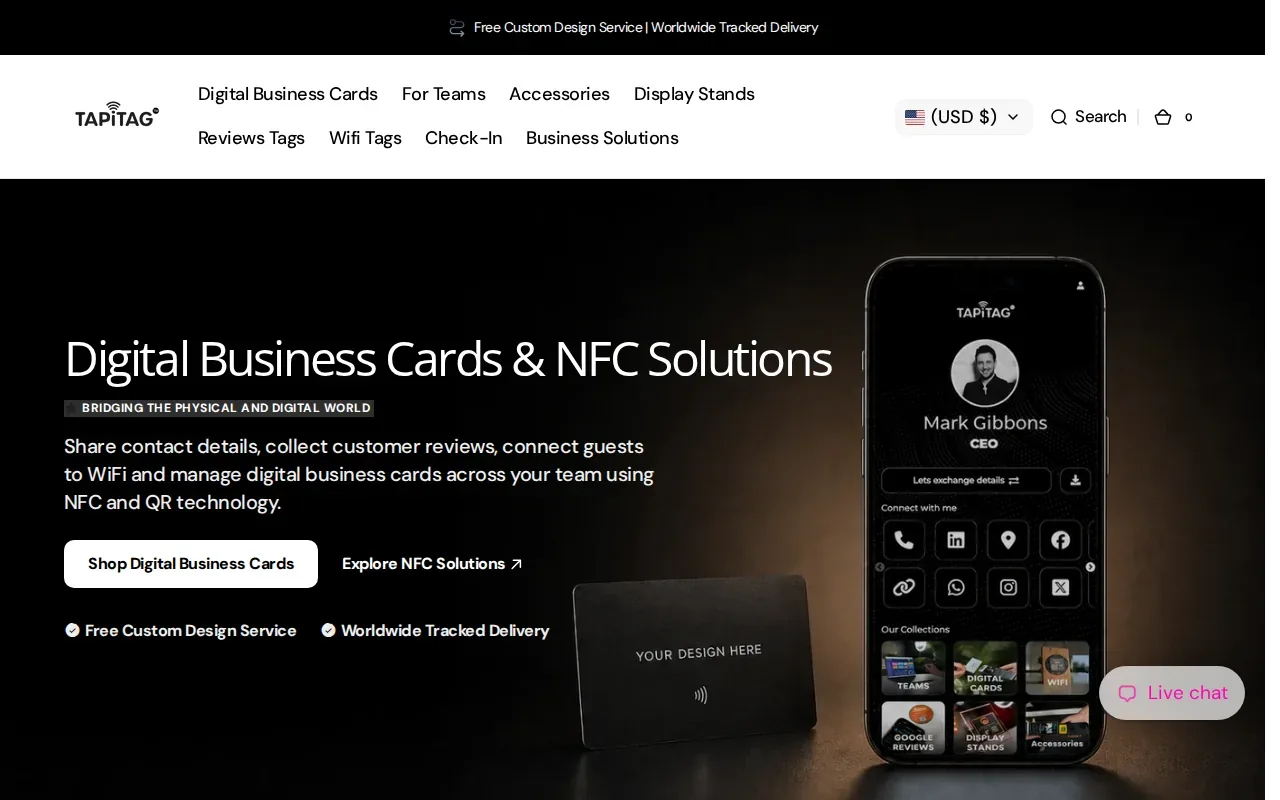
Its product information also describes QR code and profile-link sharing. Those alternatives can help when a recipient can’t use NFC or when you’re sharing details remotely. The profile can be edited online, so the same card can point to updated information without replacing the physical item.
Tapitag has a free plan. Its combination of hardware and an online profile makes it a candidate for small teams that want the physical card to be part of their networking routine.
8. mTap: For digital cards with CRM syncing
mTap offers NFC-enabled digital business cards for professionals. Its profile can be shared by tapping a phone, scanning a QR code, or sending a link. The company also describes browser-based profiles that work with iPhone and Android devices.
For a salesperson, the CRM connection may be the key feature. mTap’s team offering includes CRM syncing, with named integrations such as Salesforce and HubSpot. That can keep a captured contact closer to the system a team uses for follow-up, instead of leaving every new connection in a separate place.
mTap has free access to a profile, with paid plans for added features. It also describes NFC devices beyond cards, including stickers, magnets, and key fobs. That range can suit a team that wants different physical formats for different settings.
9. Tapt: For sleek, on-the-go contactless networking
Tapt is a digital business card platform with a stronger team and lead-generation focus. Its features include branded profiles, contact capture, and an organization dashboard. A shared profile can help a team present consistent details when different staff members meet prospects.
Tapt also describes scanning business cards, QR codes, and event badges to save contacts. Its AI tools can fill in contact details, while integrations can send contacts to systems such as HubSpot or Salesforce. That makes it more relevant for teams that handle many event leads than for someone who only needs a personal tap card.
Tapt says recipients don’t need an app to view a shared profile.
Compare the 9 NFC Tools for iPhone
Use this quick comparison to narrow the shortlist by the job you need done. LetsConnect combines a physical card with a profile and business tools. Other options lean toward contact workflows, hardware pairing, or team lead management.
| Option | Best fit | Standout focus |
|---|---|---|
| LetsConnect | Professionals and teams | NFC card, digital profile, lead capture, CRM, and bookings |
| Blinq | Contact workflows | AI notetaking, contact enrichment, universal scanning, CRM sync |
| Dot Card | Physical NFC networking | NFC device paired with a digital profile |
| V1CE | Premium physical cards | Card materials, contact capture, follow-ups |
| Lynkle | Digital profile sharing | Free profile and compatible third-party NFC pairing |
| Tappy | NFC networking | Digital card platform with a profile editor |
| Tapitag | Small teams | NFC hardware paired with an online profile |
| mTap | Professionals using CRM tools | NFC profiles with CRM syncing |
| Tapt | Team lead generation | Contact capture, team profiles, and integrations |
Before you choose, check how you’ll share the profile, where captured contacts go, and whether the setup needs physical hardware. If you’re testing a tag you already own, our quick guide to testing NFC on iPhone can help you check that it responds as expected.
Frequently asked questions
Do NFC cards work with iPhones?
Yes, NFC cards can work with iPhones when the card opens a web link or digital profile. The recipient’s phone needs to read the NFC tag and have an internet connection to load the page. A QR code or shareable link can provide another way to open the same profile if a tap doesn’t work.
Does someone need an app to receive an NFC business card?
Usually, the recipient doesn’t need a special app when the NFC card opens a profile in a web browser. They tap the card, then view the page on their phone. The person sharing the card may still need an app or account to set up and edit their own profile.
Can I use an NFC card without carrying a physical card?
Yes, some digital card services let you share through a QR code, link, or mobile wallet instead of a physical card. The available methods depend on the service and plan. Lynkle, for example, supports free sharing through a QR code, link, and wallet pass, as well as pairing with a compatible NFC card or tag.
What should I check before choosing an NFC tool for iPhone?
Check how the recipient opens your profile, whether you need to buy a physical card, and where captured contacts are stored. If you depend on CRM follow-up, confirm that the tool supports your workflow. For a team, also review how profiles are managed and whether the platform has a fee for team features.
Conclusion
For professionals who want one tap to connect a physical card with a digital profile and lead tools, LetsConnect is built for that. Start by choosing the card material that fits your work, then set up the profile you want contacts to see.
Why Lets Connect is the best digital business card
- Free to start: a digital card with your own link and QR code, no card details needed.
- Pay once: no monthly fee for your card or your lifetime plan.
- The follow-up is built in: lead capture, a CRM, a card scanner, bookings, forms and review links in one dashboard.
- No app on either side: it opens in the browser on iPhone and Android.