Best Apps for Business Networking
Compare the best apps for business networking, including digital cards, lead capture, analytics, privacy, and CRM tools for professionals and teams.

Paper cards get lost. LinkedIn requests get buried. The best apps for business networking give you a faster way to share details and keep the follow-up alive. Here are the strongest picks, with LetsConnect first.
1. LetsConnect
LetsConnect is a premium NFC and digital business card service for professionals, founders, and teams. Tap-to-share sends your contact details, social profiles, portfolio, booking links, and lead data to another phone.
The recipient doesn't need an app. They tap or scan, then open your profile in a browser. That removes the biggest friction point at events. We can also connect captured leads with a CRM workflow, so a new contact has a better chance of reaching your sales queue.
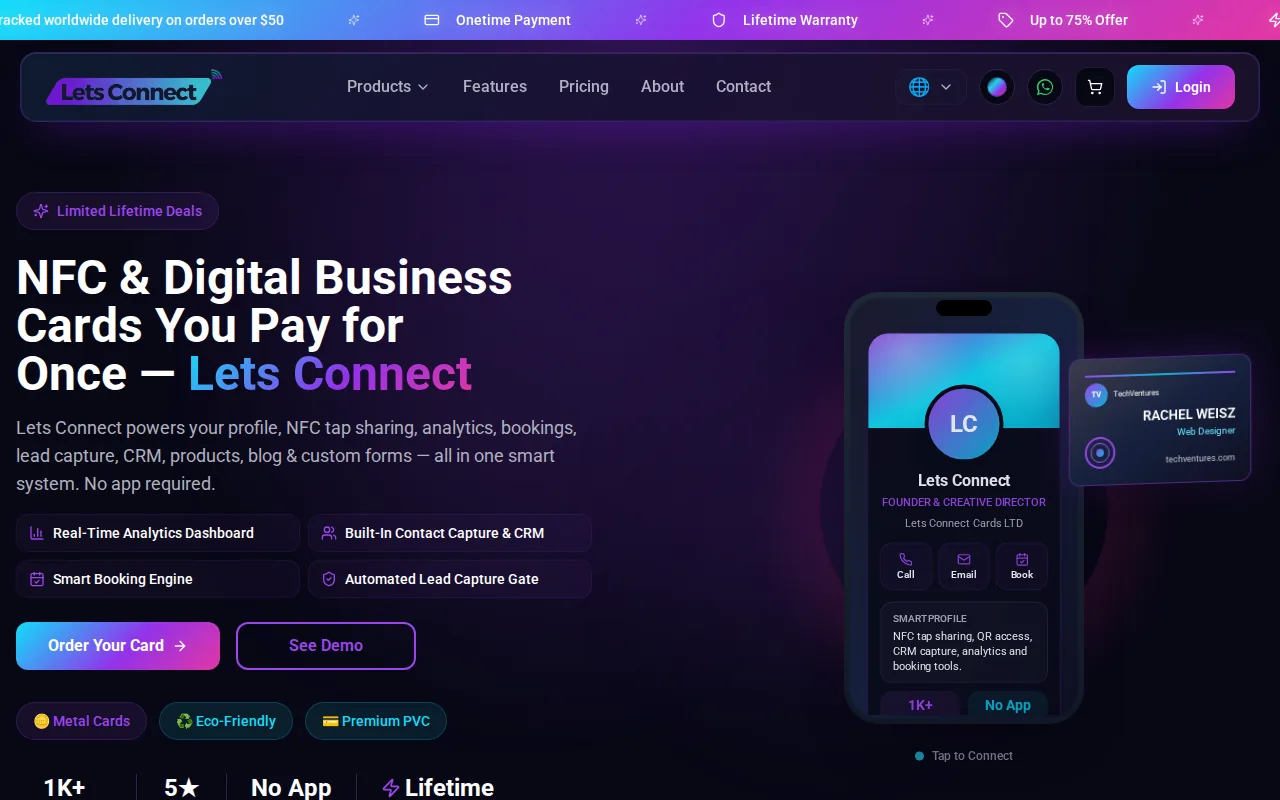
Choose metal, premium PVC, or eco-friendly wood when the physical card matters to your brand. You can also use the digital profile by itself. LetsConnect NFC business cards with QR, CRM, and lead capture fit people who want one card for in-person meetings and remote sharing.
The caveat is simple: NFC hardware costs more than a basic QR-only profile. Still, for people who network often, the quick handoff and lead capture can justify the spend. Free worldwide shipping also makes ordering easier for US buyers.
2. Digital Business Card (DBC) - Wallet-ready sharing with usage analytics
Digital Business Card, or DBC, is a polished option for people who want wallet access and card-use analytics. It runs on iOS and Android.
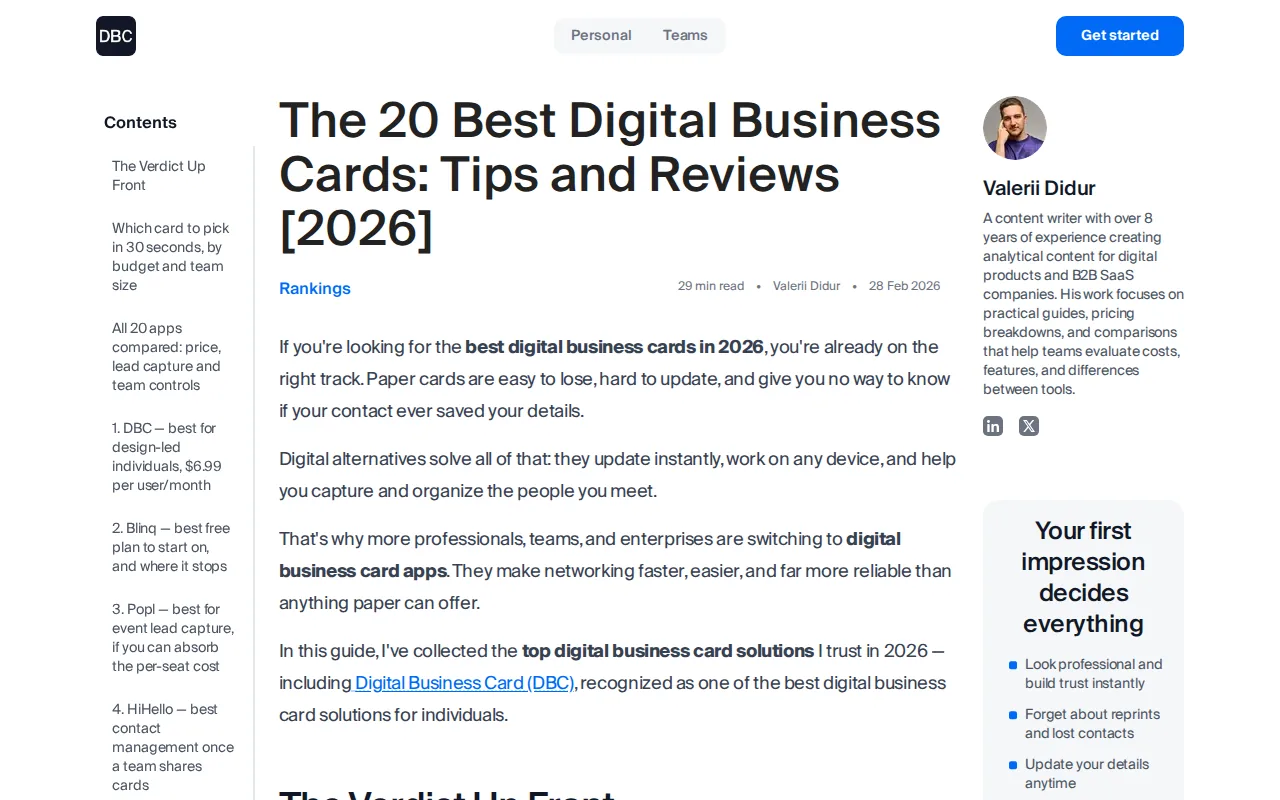
Its key draw is Apple Wallet and Google Wallet support. Your card stays close at hand, rather than hiding in an app folder. Usage analytics can show whether people viewed or used your details after a meeting.
DBC also focuses on templates and simple setup. That can help a manager roll out consistent profiles without much training. It suits a team that cares about presentation but still wants measurable sharing.
Check the paid feature split before you commit. Analytics and team controls may matter more than design once several people use the system. If your work needs CRM-ready lead routing, compare that workflow carefully with a card built around direct capture.
3. KADO - A straightforward starting point for contact capture
KADO is a digital card and contact capture app for people who want basic CRM-style follow-up. It works on iOS and Android.

The free plan includes basic branding, card sharing, and contact capture. That makes KADO useful for a freelancer who wants to test digital networking before buying hardware or a larger team plan.
KADO also supports notes and tasks after a contact is captured. Those small details matter after a busy event. You can record what the person needs, then set a reminder while the conversation is still fresh.
Some parts of the app may feel slower or less polished. Reviews also point to occasional sync issues and mobile lag. Treat KADO as a good entry point, not an automatic choice for a high-volume sales operation.
4. Wisery - A lightweight professional link-in-bio card
Wisery is a simple professional card that works much like a link-in-bio page. It's a good fit for solo professionals who need a clean profile more than a large contact system.
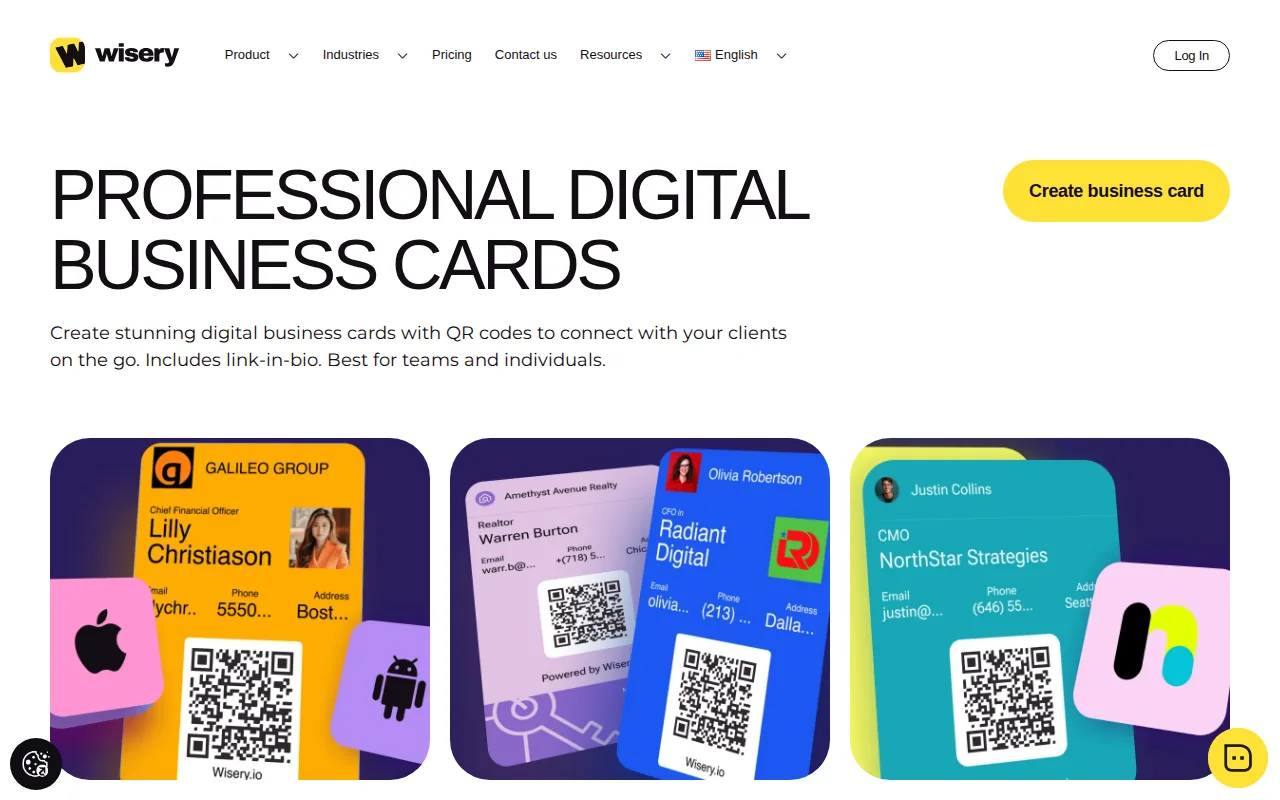
You can place contact details, social links, and a website on one page. Share it with a QR code or personal link. That works well when your card needs to act as a quick front door to your online presence.
The free version covers the basics. Paid plans add more design control, templates, fonts, and Apple Wallet support. Field sales workers can use the card at a meeting, then send the same link in an email.
Wisery keeps its feature set light. That is useful if you dislike clutter, but it may feel too narrow for a team that needs contact routing, deep analytics, or CRM sync.
5. RepCard - Sales networking with performance features
RepCard is made for sales teams that want digital card sharing tied to rep performance. It runs on iOS and Android.
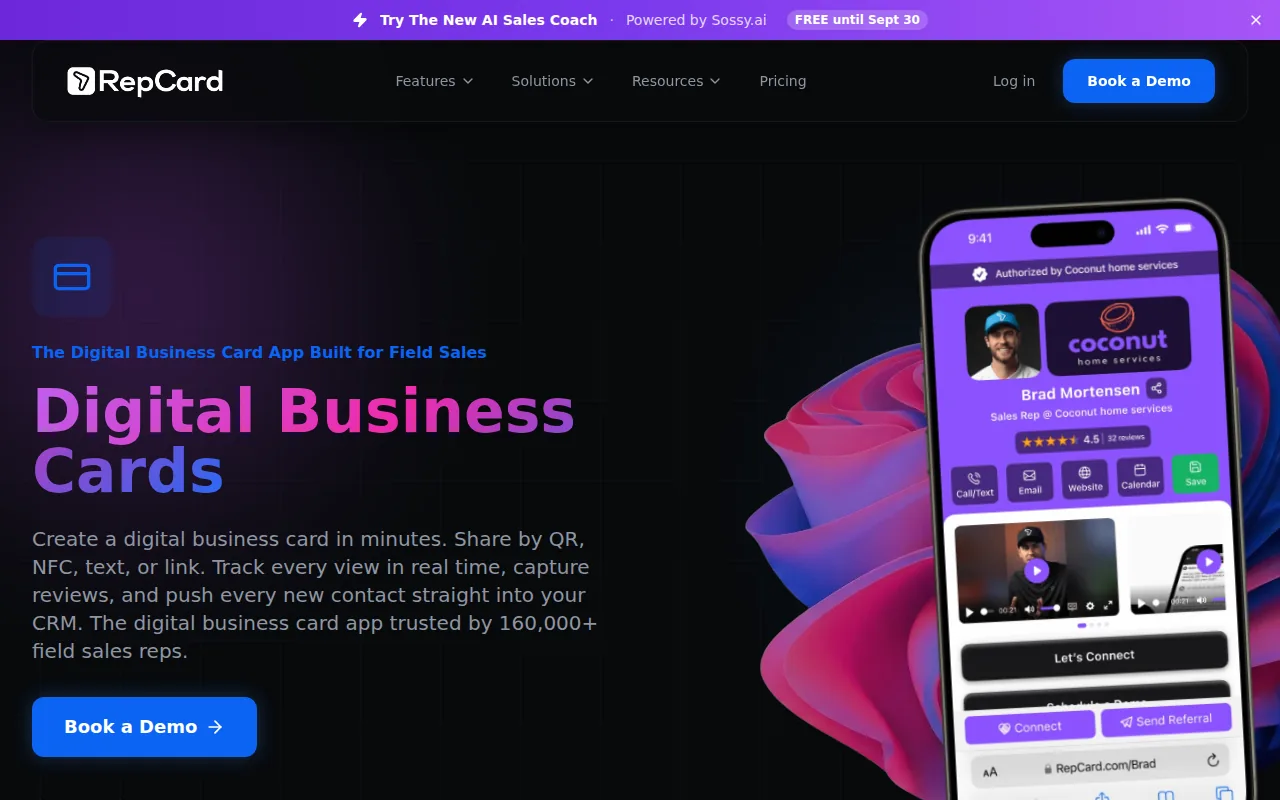
Reps can share through QR codes or NFC. Managers get sales-focused tools such as leaderboards, contests, and performance tracking. That changes the conversation from “Did the rep share a card?” to “Is the team using the process?”
Captured contacts can move through CRM exports, so leads don't have to stay trapped in the app. A regional sales manager could review activity after a trade show and spot where follow-up is breaking down.
The trade-off is style. RepCard leans toward sales operations rather than visual polish. Pick it when manager visibility matters more than a highly designed personal profile.
6. Doorway - Wallet-based sharing without an app download
Doorway takes a wallet-first approach to digital networking. Your card lives in Apple Wallet or Google Wallet, so the recipient doesn't need to install an app.
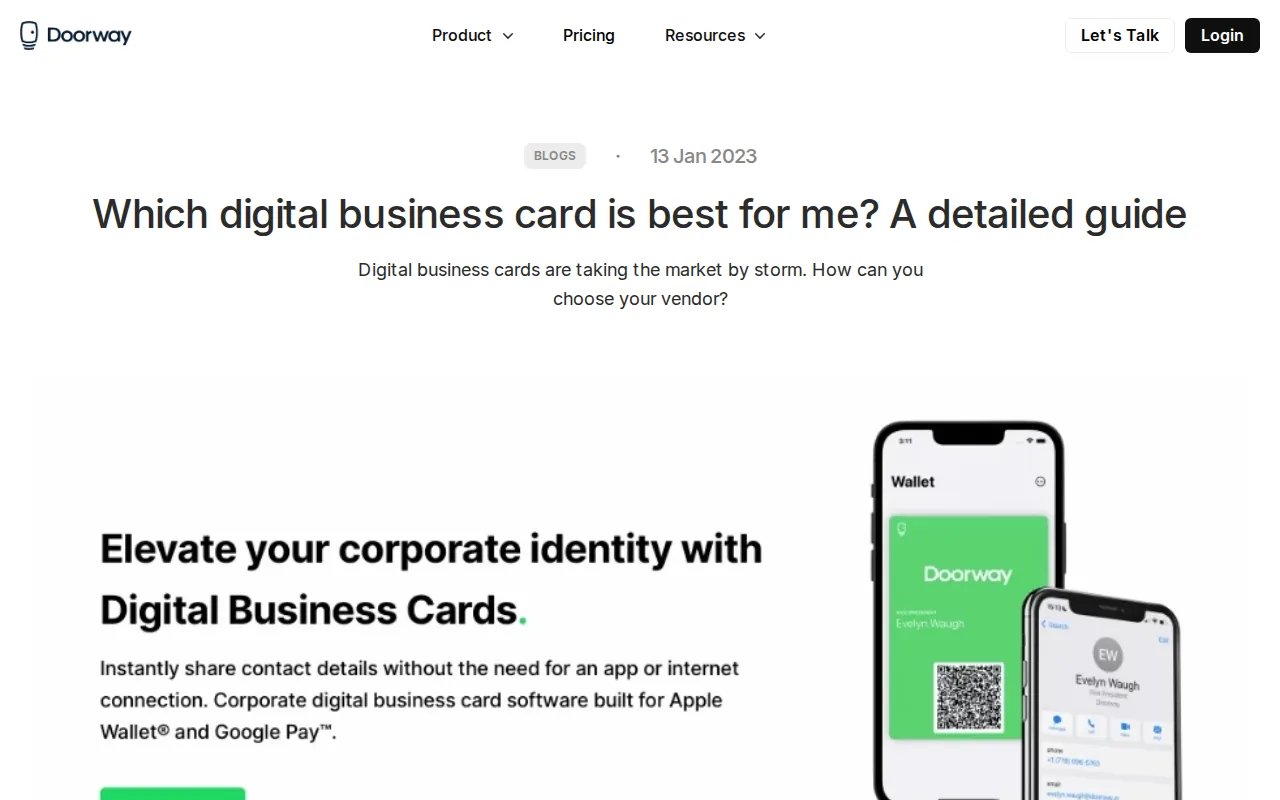
That setup helps at conferences. You can pull up the card quickly, and the other person can open the shared details in a browser. Updates can sync for people who saved the card, which reduces the need to reprint cards after a job change.
Doorway is a strong choice when low friction comes first. Wallet passes feel familiar, and the recipient doesn't face a download prompt at the point of contact.
Its limit is depth. Choose it for fast sharing, not for a complex sales data system.
7. Covve Card - Privacy-conscious QR and NFC networking
Covve Card suits professionals who care about privacy while still wanting QR and NFC sharing. It runs on iOS and Android.

The product focuses on privacy and GDPR compliance. GDPR is the European Union's data protection law, and its principles make data handling worth checking before you place business contacts in any app. You can read the basic GDPR definition and scope before reviewing a vendor's terms.
Covve Card also fits a contact-management workflow. A QR code works when someone wants to scan, while NFC helps during a close, face-to-face handoff. That two-way choice is useful at mixed events.
Privacy claims still need a closer look. Check data export, retention, consent, and who can access captured contacts. A privacy label alone doesn't answer those questions.
8. NFC.cool Business Card - Built for frequent in-person networking
NFC.cool Business Card is aimed at professionals who network often, including sales workers, real estate professionals, and consultants.

Its standout detail is language support. The app interface and App Clip support 35 languages, which can help international teams and events. It also works with standard NFC tags, rather than forcing every user into one card supplier.
NFC means Near Field Communication, the short-range technology used by contactless payments. A tap can feel faster than opening a camera, while a QR code remains useful for email, slides, and printed materials. Wikipedia's NFC reference explains the short-range communication standard in plain terms.
The product may be less suited to teams that need mature CRM connections or webhooks. Its strength is flexible sharing for people who meet others in person often. Use NFC for close-range meetings, then keep QR ready for larger rooms.
9. Wave Connect - A generous no-cost digital card option
Wave Connect is the strongest free choice for people who want unlimited contacts and analytics without paying at the start.

That free plan has a catch. You get only one card profile. A freelancer with one identity may be fine, but a consultant who needs separate cards for work, speaking, and side projects may outgrow it quickly.
Free plans often trade away something important. Some add branding. Others cap contacts or limit profiles. Wave Connect shows the paradox clearly: unlimited contacts don't always mean unlimited flexibility.
Choose it when budget is the main concern and one profile is enough. If you need multiple identities, check that limit before moving your network.
10. Blinq - Centralized card management for larger teams
Blinq is aimed at larger teams that need centralized card management and CRM integration.
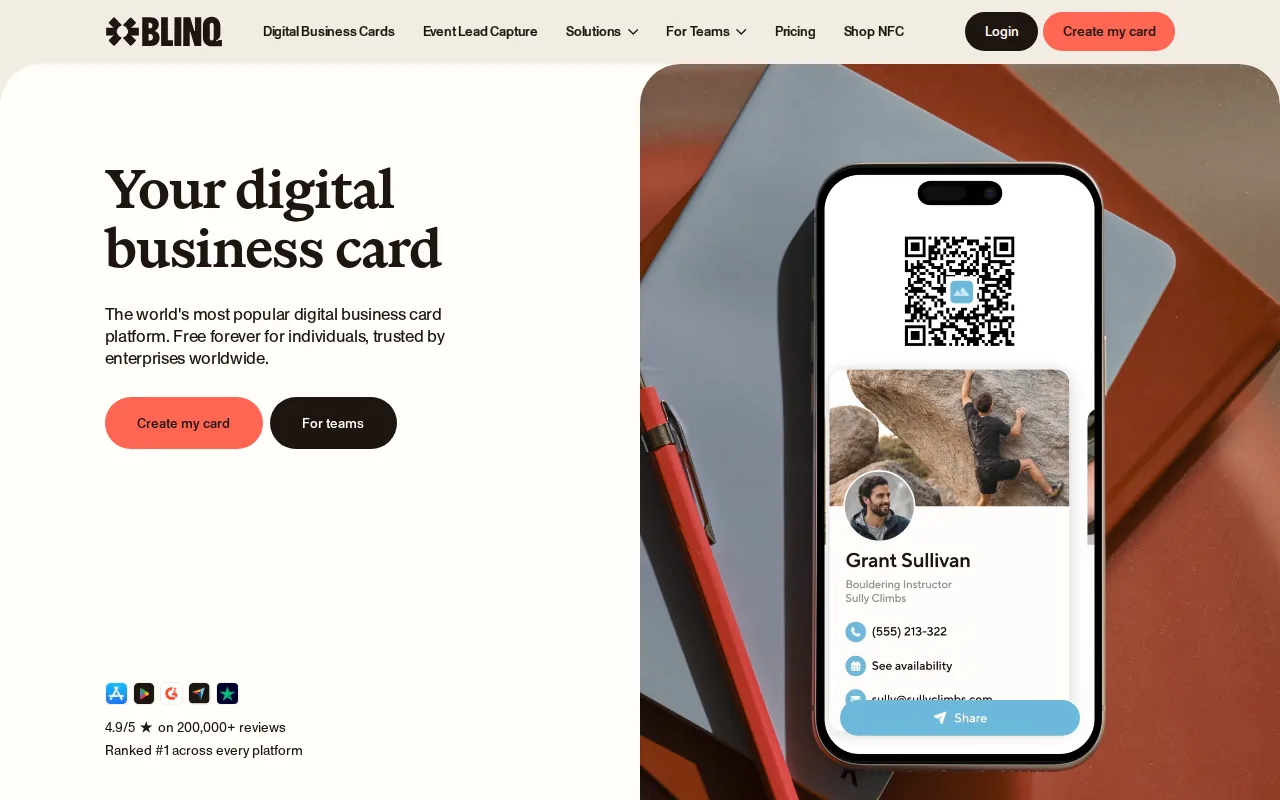
That focus helps when an admin needs consistent cards across a sales group. It can also reduce the work of updating every person's details by hand.
The free plan includes branding and may solicit recipients. That matters because a recipient may see a vendor message after viewing a team member's card.
Blinq makes more sense when team control outweighs those free-plan limits. Ask about data handling before enabling features that enrich contacts or record meeting information.
11. HiHello and Popl - Design-led profiles versus event-scale lead capture
HiHello and Popl solve different problems, so they belong together as a final comparison. HiHello fits design-conscious professionals who want a polished card, while Popl targets enterprise event and sales teams.

HiHello's free plan includes four cards. Multiple cards can help someone keep personal, work, and event identities separate.
Popl focuses on event lead capture. Its tools include badge scanning and event workflows, while the free plan is basic and limited to five contacts. That makes it better for a company with a serious event process than for a person who only swaps details now and then.
Neither choice removes the need for follow-up discipline. A card can capture a lead, but a person still needs to add context and decide when to reconnect.
Best Apps for Business Networking: Comparison Table
The right choice depends on the handoff you need. Use this table to match the app to the point where your networking process usually breaks.
| App | Best fit | Main sharing method | Free-plan trade-off | Watch for |
|---|---|---|---|---|
| LetsConnect | Professionals and teams | NFC tap and QR | Hardware may cost more | Choose the card material and lead workflow |
| DBC | Wallet users and teams | Apple Wallet and Google Wallet | Check paid analytics access | Confirm CRM depth |
| KADO | Contact capture starters | QR, link, and NFC on some plans | Advanced tools may be paid | Mobile speed and sync |
| Wisery | Solo professionals | QR and personal link | More design control may be paid | Limited team depth |
| RepCard | Sales managers | QR and NFC | Check plan scope | Less design-led |
| Doorway | App-free sharing | Apple Wallet and Google Wallet | Fewer CRM controls | Team management depth |
| Covve Card | Privacy-aware users | QR and NFC | Review plan details | Export and retention terms |
| NFC.cool | Frequent in-person networking | NFC and QR | Free plan includes branding | Limited CRM connections |
| Wave Connect | Free users | QR, wallet, and digital sharing | One card profile | Multiple identities |
| Blinq | Large teams | Digital card sharing | Branding and recipient outreach | Privacy settings |
| HiHello | Design-focused users | QR and digital profile | Four free cards | Paid analytics and export |
| Popl | Event lead capture | Badge scanning and digital sharing | Five free contacts | Event plan limits |
Before choosing, test one full cycle: share a card, save the contact, add a note, and export or route the lead. Also check whether recipients receive marketing messages. Community quality matters too. A technically good app won't help if your target buyers and partners aren't present.
Privacy deserves the same attention as design. Review permissions, consent prompts, export tools, and deletion rules. Web access is also worth checking before a team rollout.
Frequently asked questions
What is the best app for business networking?
LetsConnect is a strong fit for professionals and teams that want NFC, QR sharing, no app required, and lead capture in one workflow. It lets you share a profile with a tap, then give the recipient useful links and booking options. People who need a free, single-profile tool may prefer Wave Connect instead.
Are digital business card apps worth it?
Digital card apps are worth it when you meet enough people to lose track of paper cards and manual entry. The best apps for business networking let you share a profile quickly, save contacts, and add follow-up notes. Choose one with a clear export path if those contacts must reach your CRM.
Is NFC better than a QR code for networking?
NFC is better for quick, close-range exchanges, while QR codes work in more places. NFC feels fast at a meeting, but QR codes suit email signatures, slides, posters, and large events. A platform that supports both gives you one profile with two ways to share it.
What should I check before choosing a networking app?
Check the sharing method, free-plan limits, contact storage, export options, privacy terms, and CRM fit. Then test the full handoff with a real phone. The best apps for business networking should make it easy for a recipient to save your details without downloading software.
Can a networking app replace LinkedIn?
A networking app can replace the card exchange, but it usually can't replace a public professional network. Digital cards help you control the first handoff and manage private follow-up. LinkedIn or another community platform may still matter for discovery, recommendations, and public proof.
Conclusion
Choose LetsConnect if you want a professional tap-to-share card with QR backup, no app required, and a path from new contact to captured lead. Start with one profile and test it at your next meeting. Practical NFC business card tips and networking trends can help you refine how you share the profile and follow up. If your needs grow, add the card material and CRM workflow that match your sales process.
Why Lets Connect is the best digital business card
- Free to start: a digital card with your own link and QR code, no card details needed.
- Pay once: no monthly fee for your card or your lifetime plan.
- The follow-up is built in: lead capture, a CRM, a card scanner, bookings, forms and review links in one dashboard.
- No app on either side: it opens in the browser on iPhone and Android.
Related articles
- Best Digital Business Cards in the UK (2026): 8 Compared on Price and Features
- UC Awards 2026: Why Lets Connect Was Named a Rising Star Finalist
- Our Aim: To Lead the Business Card Category Worldwide by 2028
- Going to The Business Show London? Don't Bring Business Cards
- Best NFC Tools for iPhone: 9 Cards and Apps
- Best Business Card Apps for Professionals